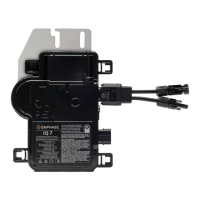
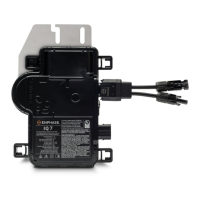
IQ 7 / IQ 7+ / IQ 7X / IQ 7A Installation and Operation
© 2020 Enphase Energy Inc. All rights reserved. 141-00044-02
Step 10: Energize the System
A. Turn ON the AC disconnect or circuit breaker for the branch circuit.
B. Turn ON the main utility-grid AC circuit breaker. Your system starts producing power
after a five-minute wait time.
C. Check the LED on the connector side of the microinverter:
There is an active “DC Resistance Low, Power Off Condition.” To reset, see
“DC Resistance Low – Power Off Condition” on page 20.
Set Up and Activate Monitoring
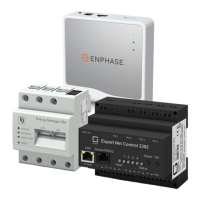
Refer to the Enphase Envoy-S Quick Install Guide to install the Envoy-S and set up system
monitoring and grid management functions. This guide leads you through the following:
• Connecting the Envoy
• Detect devices
• Connecting to Enlighten
• Registering the system
• Building the virtual array
NOTE: When the utility requires a profile other than the profile resident on the
microinverter, you must select an appropriate grid profile for your installation. You
can set the grid profile through Enlighten, during system registration, or through Installer
Toolkit at any time. You must have an Enphase Envoy to set or change the grid profile.
For more information on setting or changing the grid profile, refer to the Enphase Envoy-
S Installation and Operation Manual at enphase.com/support.







 To Next Page