Figures xi
Figure Page
Figures
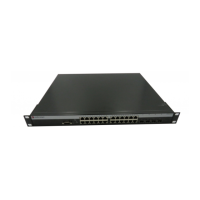
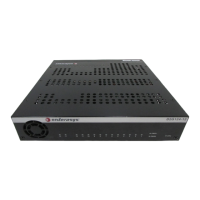
1-1 C1H124-48 Standalone Device.......................................................................................1-2
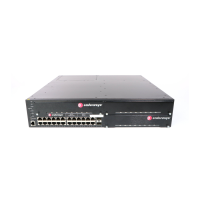
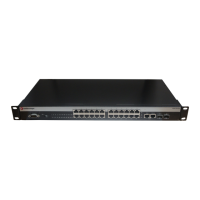
1-2 C1G124-24 Standalone Device.......................................................................................1-3
3-1 Mini-GBIC with MT-RJ Connector (C1H124-48 shown)..................................................3-3
3-2 Mini-GBIC with LC Connector (C1H124-48 shown)........................................................3-4
3-3 Clearance Required for Tabletop or Shelf Installation.....................................................3-5
3-4 Attaching the Rackmount Brackets .................................................................................3-6
3-5 Fastening the Device to the Rack ...................................................................................3-7
3-6 Device, Rear View...........................................................................................................3-8
3-7 Connecting a Twisted Pair Segment to the Device .........................................................3-9
3-8 Four-Wire Crossover Cable RJ45 Pinouts for 10/100BASE-TX....................................3-10
3-9 Four-Wire Straight-Through Cable RJ45 Pinouts for 10/100BASE-TX.........................3-11
3-10 Eight-Wire Crossover Cable RJ45 Pinouts for 10/100/1000BASE-T ............................3-11
3-11 Eight-Wire Straight-Through Cable RJ45 Pinouts for 10/100/1000BASE-T..................3-12
3-12 Cable Connection to MT-RJ Multimode Fiber-optic Connectors...................................3-13
3-13 Cable Connection to LC Multimode Fiber-Optic Connectors ........................................3-16
3-14 Connecting an IBM PC or Compatible ..........................................................................3-18
3-15 Connecting a VT Series Terminal .................................................................................3-19
3-16 Connecting to a Modem ................................................................................................3-20
4-1 LANVIEW LEDs ..............................................................................................................4-1
4-2 Reset Button....................................................................................................................4-6


 To Next Page
 Loading...