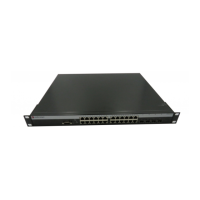
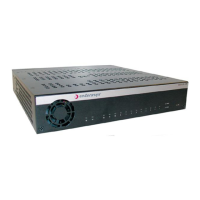
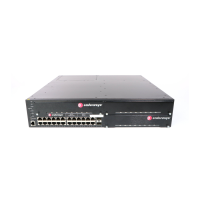
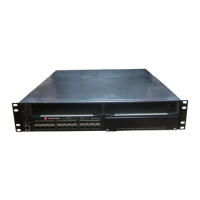
Installing the Device
3-6 Hardware Installation
3.4.1 Rackmount Installation
To install the device in a 19-inch rack, you need:
• Two rackmount brackets and mounting screws (rackmount kit) shipped with the device.
• Four user-supplied screws to attach the device to a standard 19-inch rack.
3.4.1.1 Guidelines for Rackmount Installation
The installation site must be within reach of the network cabling and meet the requirements listed
below:
• Appropriate grounded power receptacles must be located within seven feet of the location.
• An ambient temperature between 5°C (41°F) and 40°C (104°F) must be maintained at the
installation site with fluctuations of less than 10°C (18°F) per hour.
3.4.2 Rack Mounting the Device
Proceed as follows to install the device into a 19-inch rack:
1. Attach the rackmount brackets
to the device, as shown in Figure 3-4, using the eight
M3x10mm flathead screws
in the rackmount kit.
Figure 3-4 Attaching the Rackmount Brackets
CAUTION: To ensure proper ventilation and prevent overheating, leave a minimum
clearance space of 5.1 cm (2.0 in.) at the left, right, and rear of the device.
WARNING: Before installing the device into a rack, ensure that the rack can support the
device(s) without compromising the stability of the rack. Otherwise, personal injury
and/or equipment damage may result.
Rackmount brackets
M3 x 10 mm flathead screws
CPU
RPS 1 16 17 32 33 4849
51
2345678
9
10
1
1
12 13 14 15 18 19 20 21 22 23 24 25 26 27 28 29 30 31 34 35 36 37 38 39 40 41 42 43 44 45 46 4750 52
1
2
47
48
52
50
49
51
V1H124-48
3831_00_04
Á
À



 To Next Page
 Loading...