Hardware Installation 3-1
3
Hardware Installation
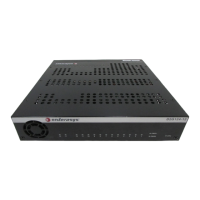
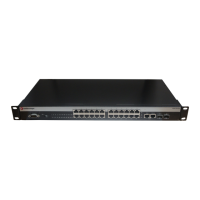
This chapter provides the instructions required to install the device. Follow the order of the sections
as listed below to correctly install the device.
• Unpacking the device (Section 3.2)
• Installing options (Section 3.3)
• Installing the device (on a shelf or tabletop, or into a standard rack) (Section 3.4)
• Connecting to the network (Section 3.5)
• Connecting to console port for local management (Section 3.6)
• Completing the installation (Section 3.7)
3.1 REQUIRED TOOLS
A Phillips screwdriver is required to install the device into a rack.
ELECTRICAL HAZARD: Only qualified personnel should install the C1H124-48 and
C1G124-24.
NOTE: Read the Release Notes shipped with the C1H124-48 and C1G124-24 to check
for any exceptions to the supported features and operation documented in this guide.


 To Next Page
 Loading...