User Reference Guide 17
User Reference Guide
Clean the Printer
Single Hopper Printer
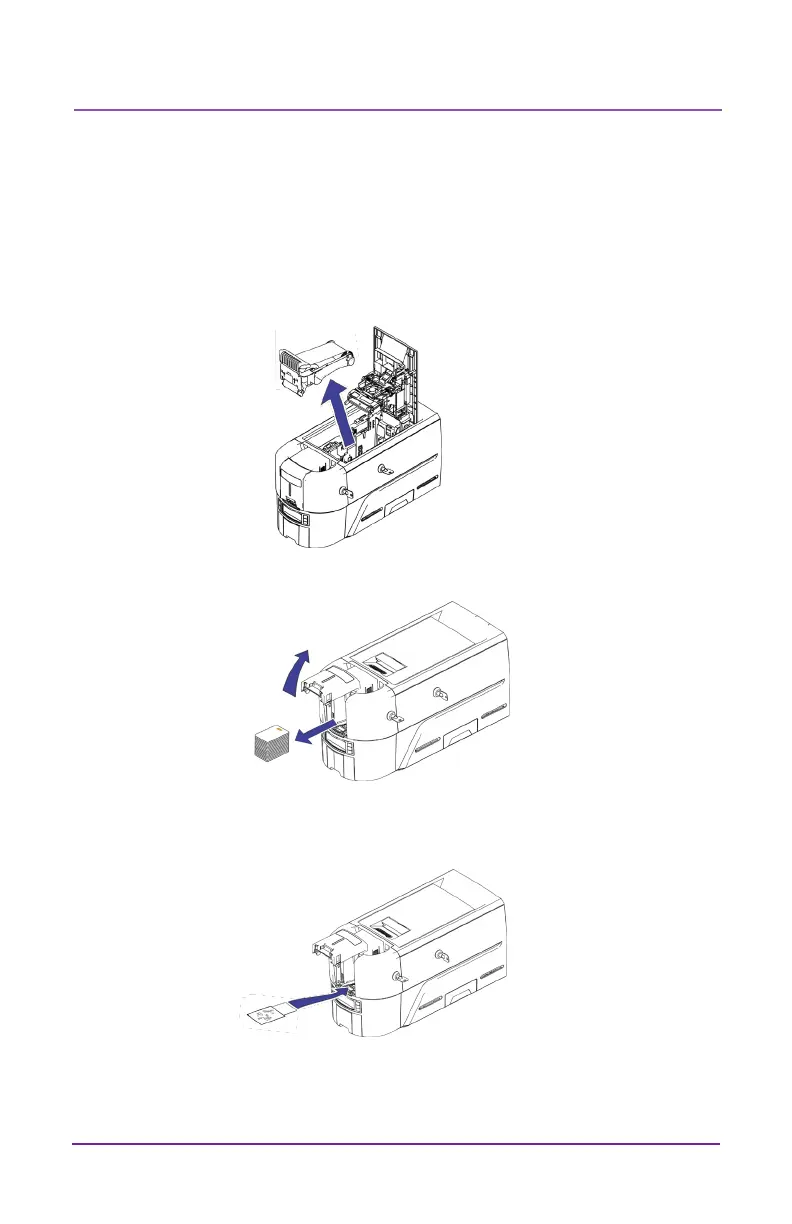
If the printer has locks, unlock the printer and input hopper.
1. Open the printer cover and remove the print ribbon cartridge or
cassee. Close the cover.
2. Open the input hopper cover and remove any unprinted cards.
3. Insert the cleaning card in the input hopper.
4. Close the input hopper.
5. Connue with “Run the Cleaning Card” on page 19.



 To Next Page