18 Sigma DS Direct to Card Printer
Sigma DS Direct to Card Printer
Mul-Hopper Printer
1. Unlock the printer and open the printer cover.
2. Remove the print ribbon, close the cover, and lock the printer.
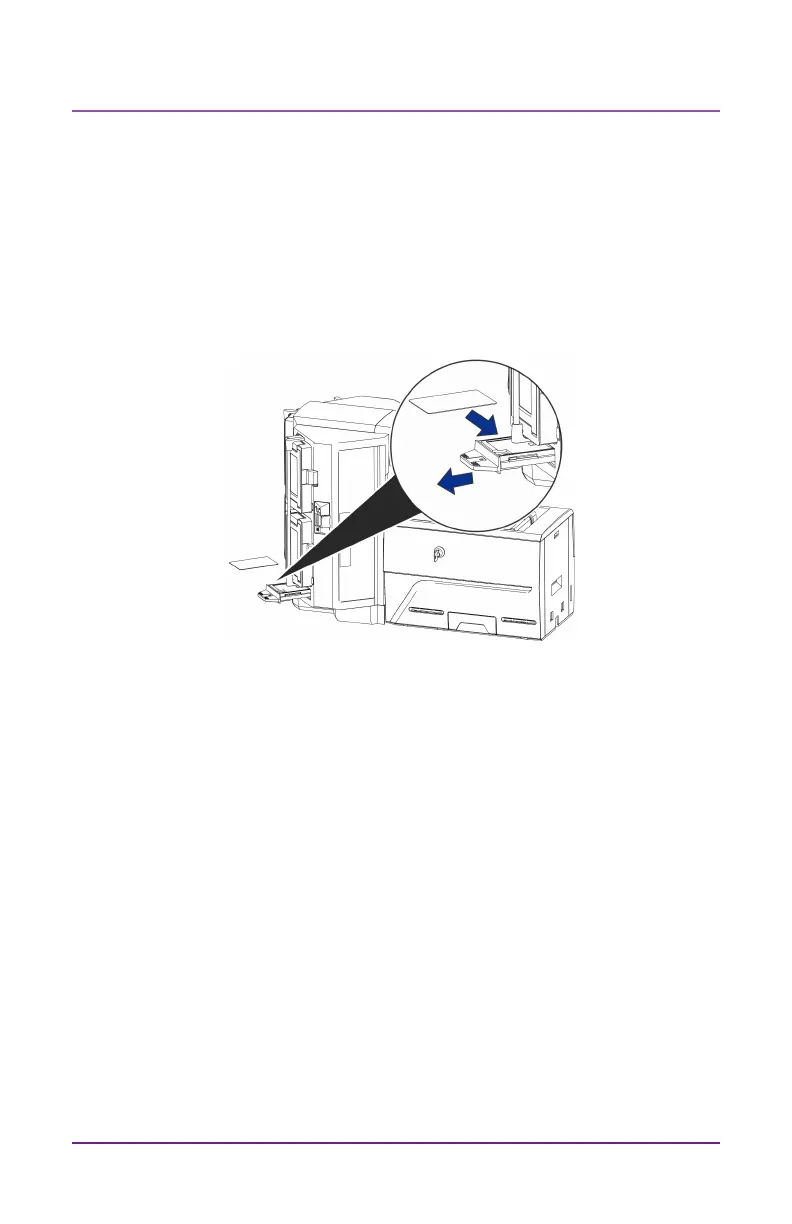
3. Pull out the mul-hopper excepon slide and insert the cleaning
card.
4. Push in the excepon slide.
5. Connue with “Run the Cleaning Card” on page 19.



 To Next Page