20 Sigma DS Direct to Card Printer
Sigma DS Direct to Card Printer
Clean the Printhead
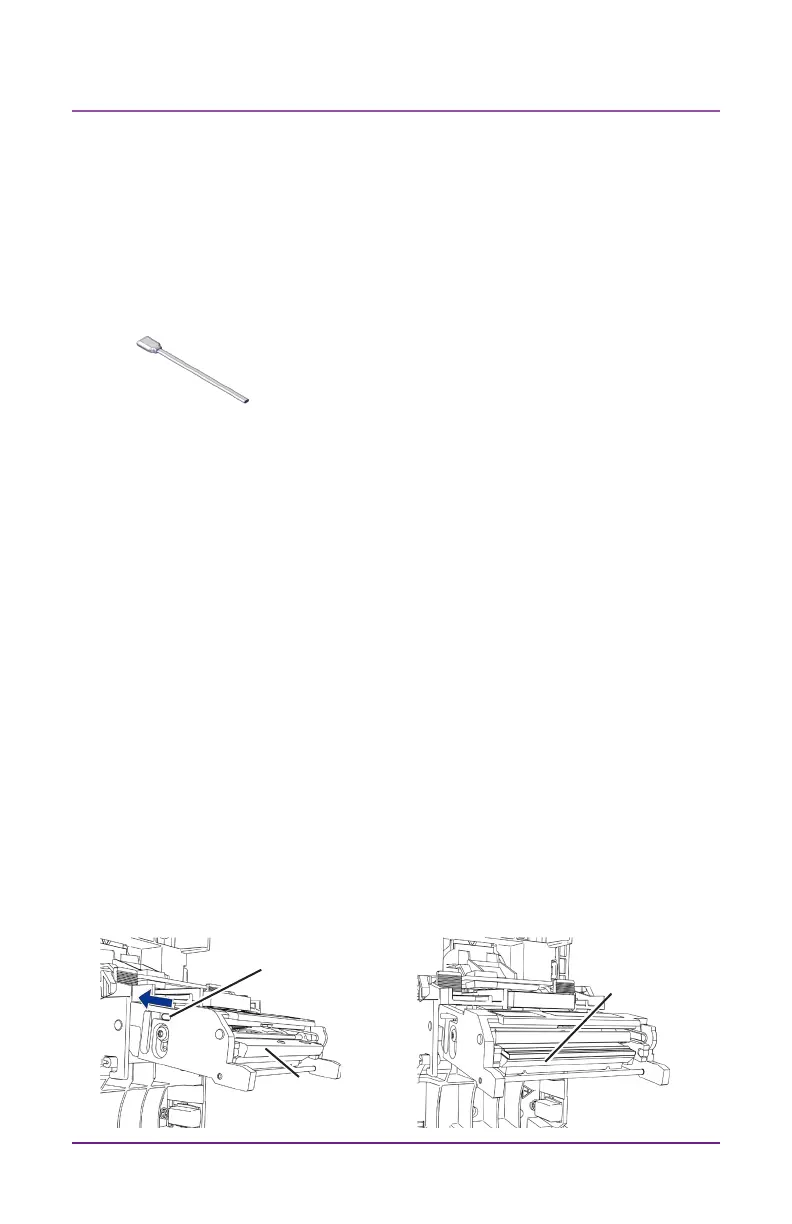
Side handle
Printhead
Edge
Printhead
Cover
The printhead does not require roune cleaning, however debris can
get stuck on the printhead edge and cause horizontal lines in the print-
ed image.
Use the following items to clean the printhead.
Cleaning Swab
Clean the edge of the printhead in the following situaons:
• There are unprinted lines on the nished card. This usually indi-
cates dirt or contaminants on the printhead.
• The printhead is touched accidentally. Oils from hands can aect
print quality and damage the printhead.
• A ribbon break caused part of the ribbon to sck to the printhead
or printhead cover.
• The printhead has been replaced.
Do the following to clean the edge of the printhead:
1. Power o the printer.
2. Unlock the printer and open the printer cover.
3. Open and remove a cleaning swab from its package.
4. Retract the printhead protecve cover using side handles. Hold in
the retracted posion while cleaning.



 To Next Page