42 Using the Printer
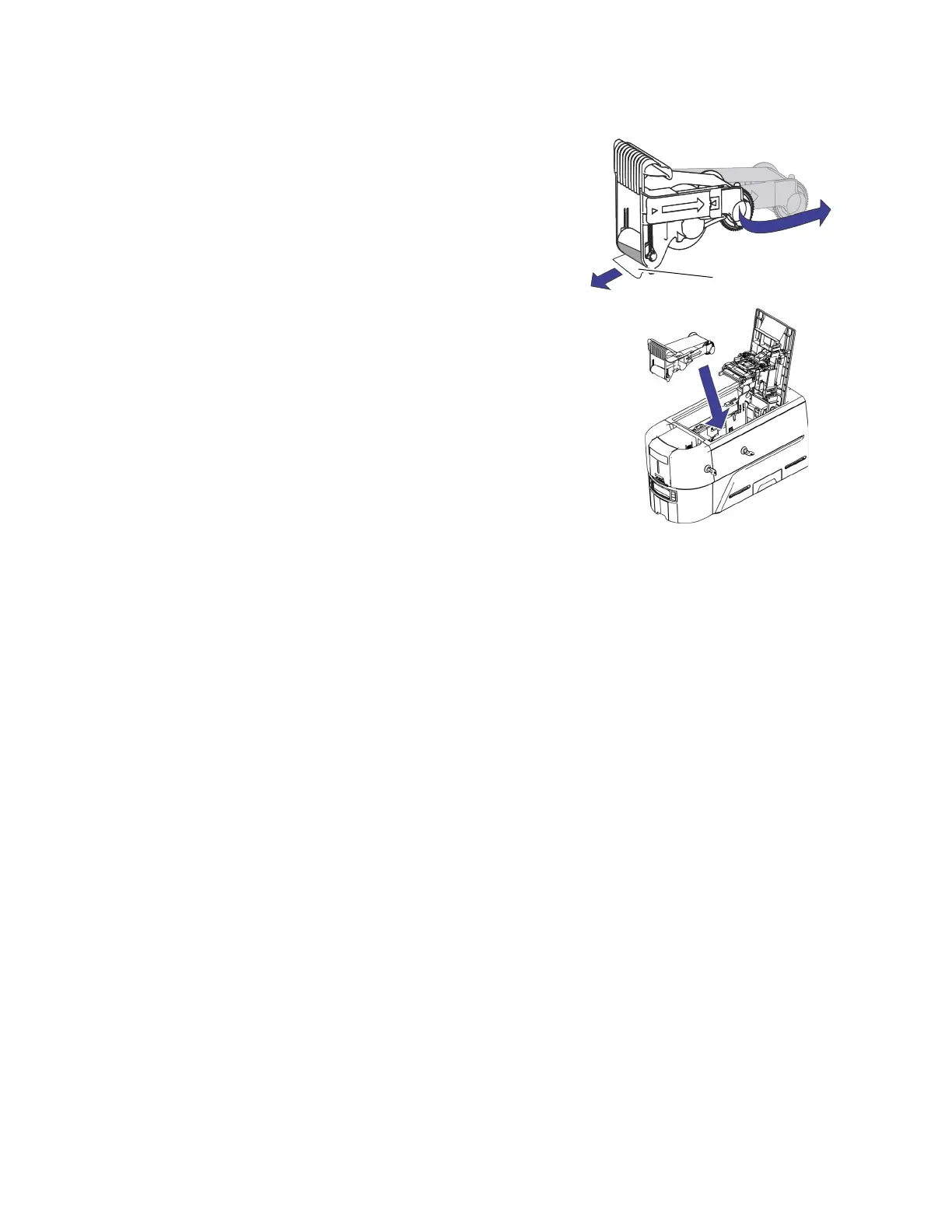
3. Extend the cassette to its fully open position.
Pull out the front of the cassette until it clicks.
4. Remove the protective wrapper from the cleaning
roller.
5. Install the cassette in the printer.
a. Hold the ribbon cassette by the handle and lower it
into the printer with the handle toward the front of
the printer.
b. Position the ribbon cassette in the guides.
6. Close the printer cover. Press down on the ridges on the
front of the cover to make sure that is latches completely.
Protective
Wrapper



 To Next Page