19
Note: If the controller supports 48V system voltage, the battery type will display LiFePO4 F15/F16,
and Li(NiCoMn)O2 N13/N14.
Operation:
Step1: Press the button and hold 5s under the battery voltage interface.
Step2: Press the button when the battery type interface is flashing.
Step3: Press the button to confirm the battery type.
Please refer to chapter 4.1 for the battery parameters setting, when the battery
type is User.
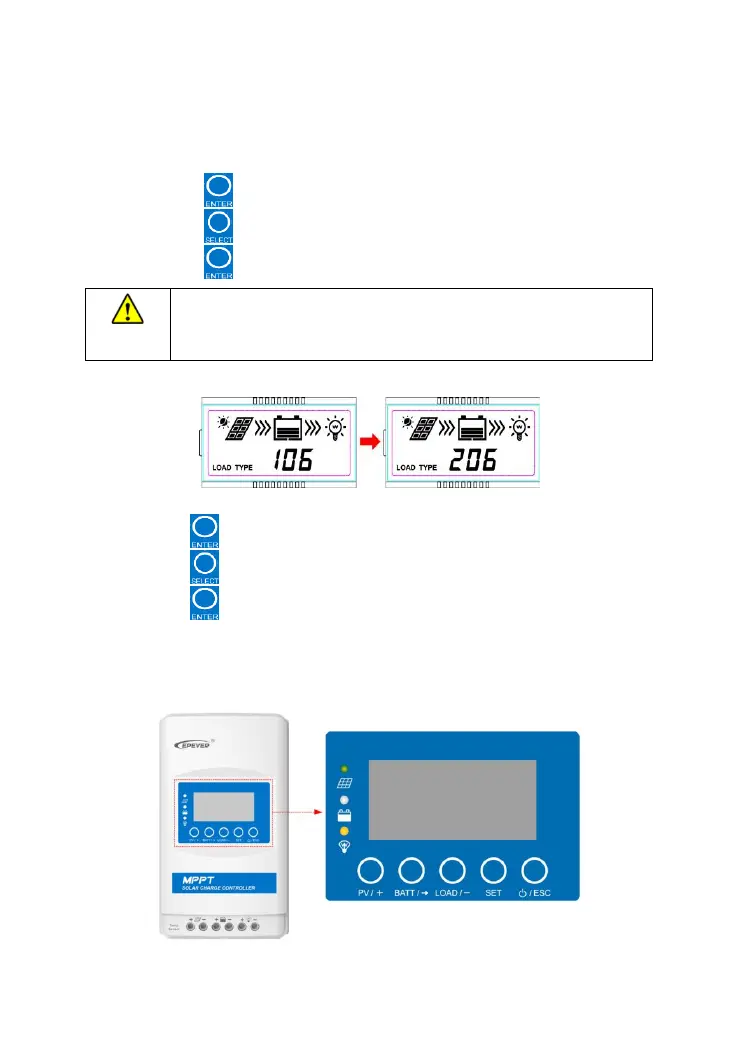
④ Load working mode
Operation:
Step1: Press the button and hold 5s under the load mode interface.
Step2: Press the button when the load mode interface is flashing.
Step3: Press the button to confirm the load mode.
NOTE:Please refer to chapter4.2 for the load working modes.
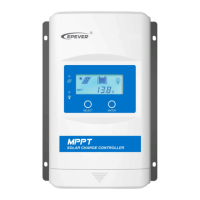
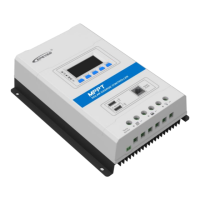
3.3 Adanced Display unit (XDS2)




 To Next Page