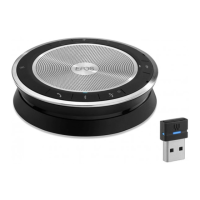
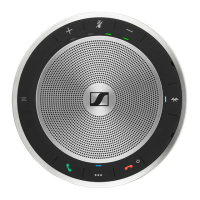
EXPAND 80T Bluetooth Speakerphone
If a problem occurs ...36
Clearing pairing list
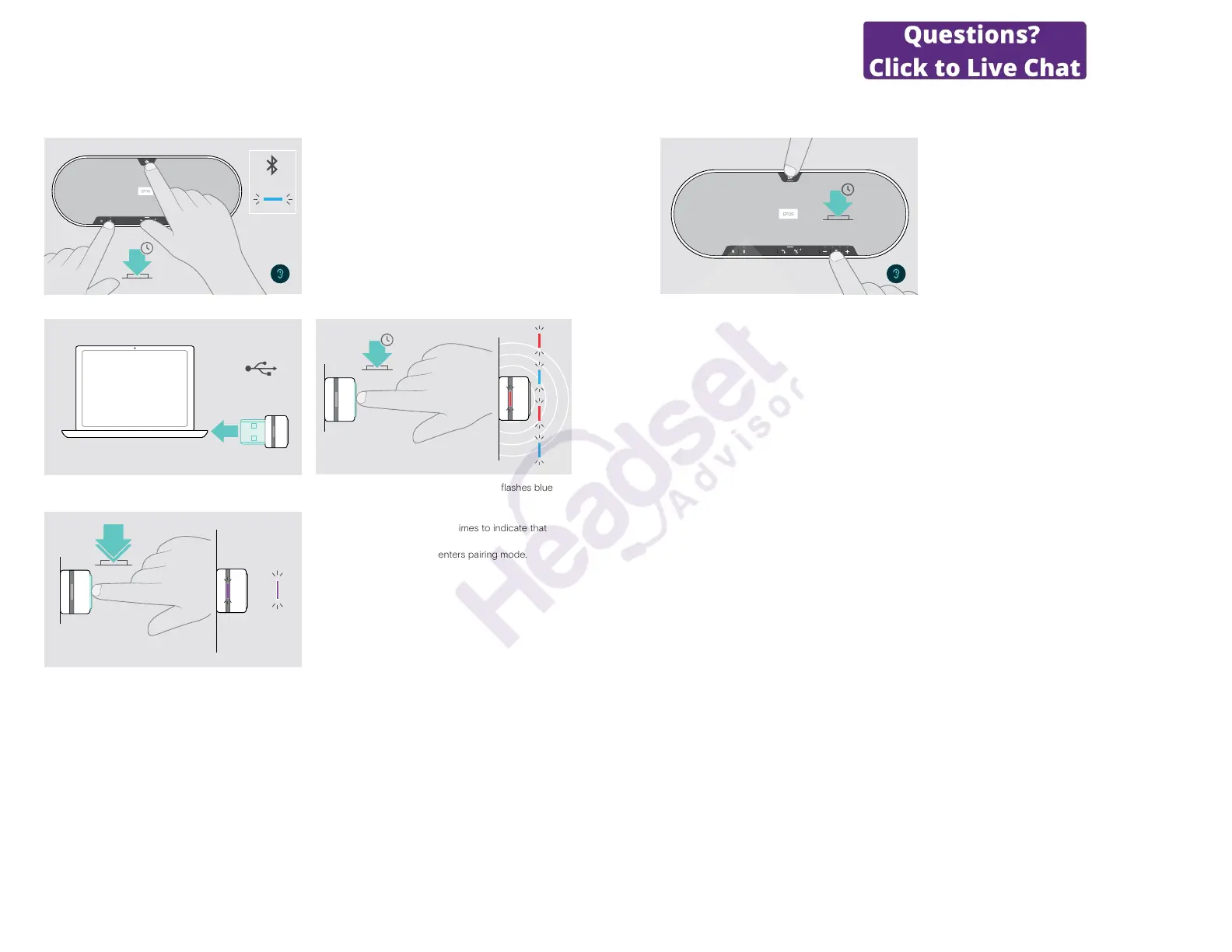
Clearing the speakerphone’s pairing list
3x
5s
X Press and hold the Microsoft Teams button and
Bluetooth button until you hear a voice prompt.
The LED ashes blue three times to indicate that pairing
list is cleared.
Clearing the dongle’s pairing list
1
USB-A
2
3s
X Plug the dongle into the USB port of your computer. X Press and hold the button until the LED ashes blue
and red.
3
3x
2x
X Double tap the button.
The LED ashes purple three times to indicate that
pairing list is cleared.
The dongle automatically enters pairing mode.
EXPAND 80T Bluetooth Speakerphone
If a problem occurs ...37
Restoring default settings
Restoring speakerphone’s factory default settings
5s
X Press and hold the mute button and Microsoft Teams
button until the device restarts.
All settings and the pairing list will be cleared.
If the voice prompt “Unavailable” is announced, Factory
Reset is disabled in EPOS Connect:
X Activate Factory Reset in EPOS Connect or contact
your IT department.


 To Next Page