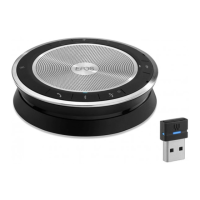
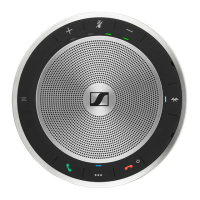
EXPAND 80T Bluetooth Speakerphone
Getting started14
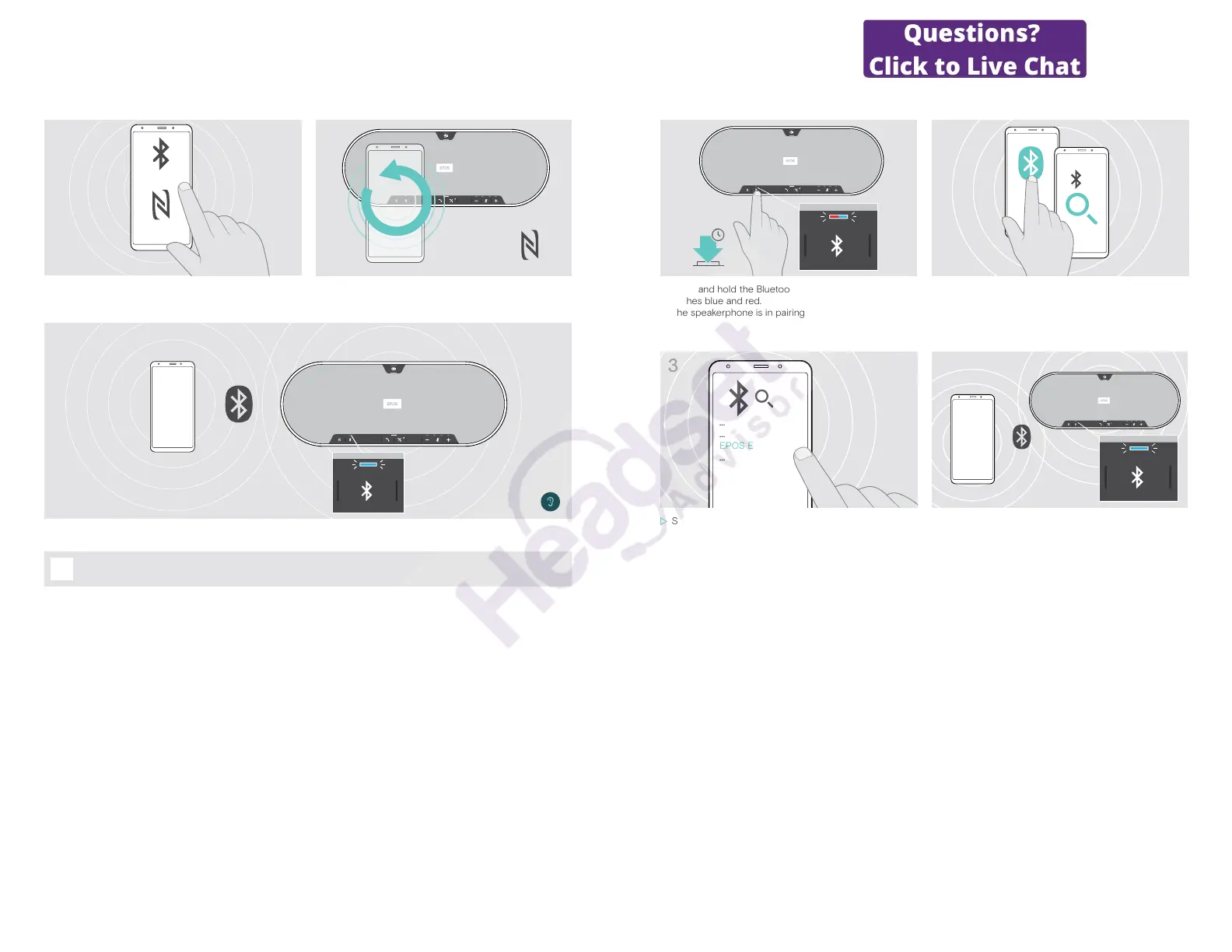
B: Pairing the speakerphone and a mobile device via NFC™
1
Bluetooth®
NFC™
2
X Activate Bluetooth and NFC (Near Field Communication)
on your mobile device – see instruction manual of your
mobile device.
X Move the mobile device in small circles directly above
the NFC area of the speakerphone.
3
Once the speakerphone is paired with the mobile device, the LED lights up blue.
EXPAND 80T Bluetooth Speakerphone
Getting started15
C: Pairing the speakerphone and a mobile device via Bluetooth
®
2s
1
2
X Press and hold the Bluetooth button until the LED
ashes blue and red.
The speakerphone is in pairing mode.
X Enable the Bluetooth visibility on your mobile device –
see instruction manual of your mobile device.
X Start a search for Bluetooth devices.
All available devices in the proximity of the mobile
device are displayed.
3
...
...
EPOS EXPAND 80T
...
4
X Select “EPOS EXPAND 80T”* to establish a Bluetooth
connection to the speakerphone.
* You can change the default name via EPOS Connect.
Once the speakerphone is paired with the mobile device,
the LED lights up blue.


 To Next Page