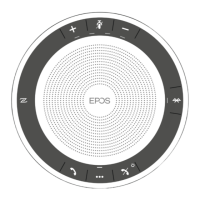
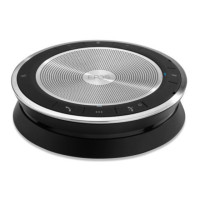
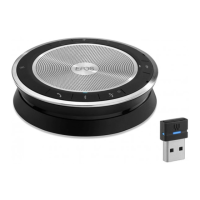
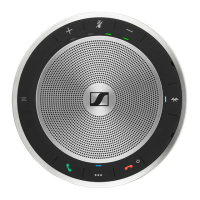
EXPAND 80T Bluetooth Speakerphone
Product overview8
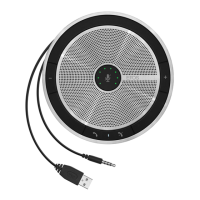
Overview of expansion microphone
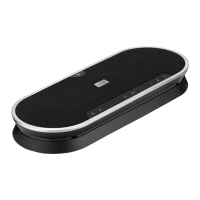
The expansion microphone EXPAND 80 Mic is available as an accessory. A list of accessories can be found on the
product page at www.eposaudio.com.
Microphones
Cable holder
USB-C socket
Cable holder
Jack plug
Cable holder
Microphone mute
Cable
Status LED
LED overview
LED Meaning
white dimmed
• Expansion microphone turned on
• Media playback
• Active call
• Microsoft Cortana active
Microphone muted
Overview of the icons
Tap the button
i
Notes: Good to know
2x
Press the button twice LED indications
3s
Press and hold the button Voice prompt is announced
EXPAND 80T Bluetooth Speakerphone
Getting started9
Getting started
Positioning the speakerphone and the expansion microphone(s)
You can use the speakerphone in meeting rooms with up to 7 participants.
X Place the speakerphone in the middle of the table for optimal sound.
max. 7
< 2.3 m
For larger rooms with more participants you can connect expansion microphones.
X Place the expansion microphone in the middle of the table and connect it – see next page.
max. 11
max. 18
< 2.3 m


 To Next Page