EasyManua.ls Logo

ePropulsion E Series - User Manual

ePropulsion E Series
64 pages
Print Icon
To Next Page IconTo Next Page
Loading...
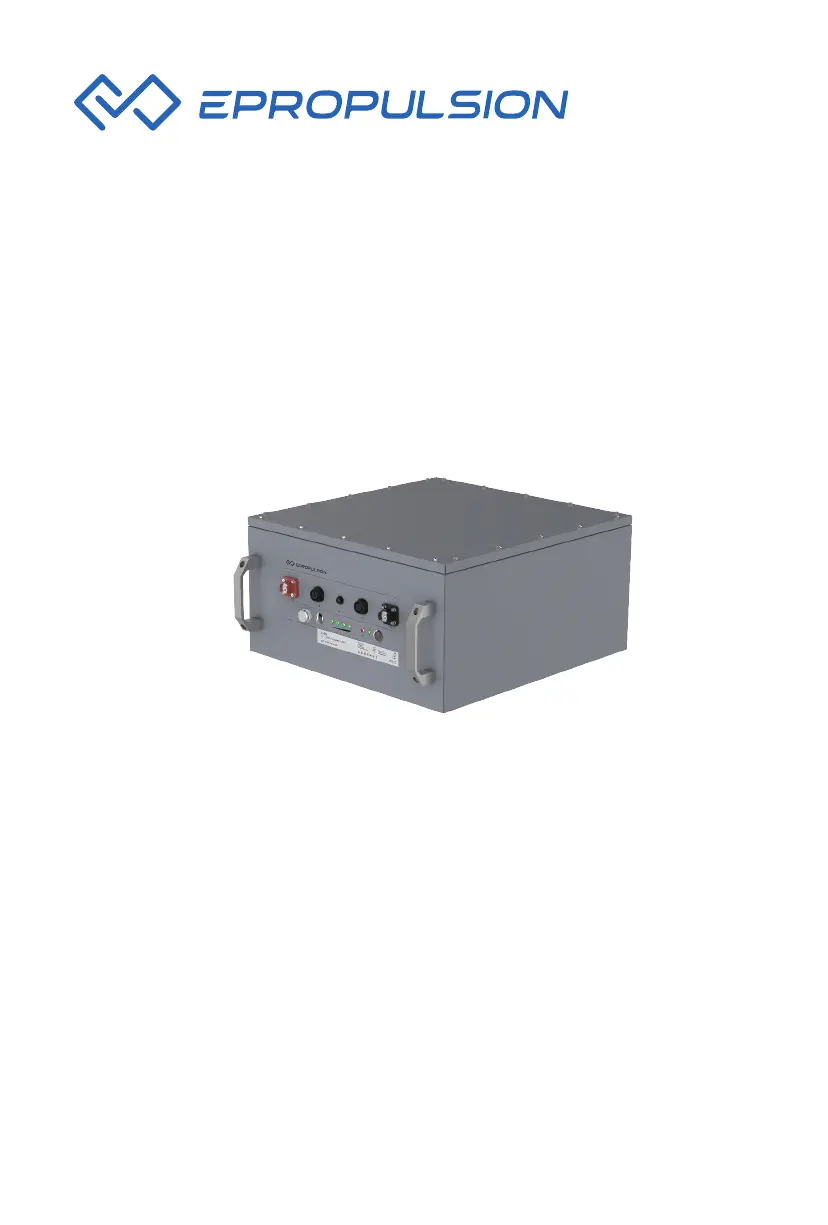
E-Series Battery User Manual
April, 2020 Version 1.0
Copyright © 2020 ePropulsion. All Rights Reserved

Questions and Answers

  • B
    Becky WilliamsSep 7, 2025
    What to do if ePropulsion E Series shows E65 error?
    • J
      Jennifer MartinSep 7, 2025
      If your ePropulsion Camera Accessories shows error E65, disconnect all connections to the battery. After a short wait, restart the battery to see if the error persists. If the error continues, it's recommended to contact an authorized ePropulsion dealer.
  • D
    Duane ThomasAug 22, 2025
    What to do if ePropulsion E Series battery has no input or output?
    • G
      Grace CampbellAug 22, 2025
      First, check the connection between the battery, charger, and the machine. Next, reconnect the communication and power cables. Then, disconnect the machine or charger, and reconnect after a short period.
  • T
    Tyler MooreSep 5, 2025
    What should I do if my ePropulsion E Series shows error E51 or E52?
    • A
      Angela HendrixSep 5, 2025
      If your ePropulsion Camera Accessories displays error codes E51 or E52, disconnect the charger or the machine. If the temperature is too high, allow the battery to cool down. Once cooled, restart the battery and ensure it's operated within a suitable temperature range. If the temperature is too low, use the battery at an appropriate temperature. If the error persists, please contact an authorized ePropulsion dealer.
  • M
    Mark SchmidtSep 3, 2025
    What to do if the ePropulsion Camera Accessories battery has no input or output?
    • B
      Brittney ClarkSep 3, 2025
      If your ePropulsion Camera Accessories battery isn't providing any input or output, inspect the connections among the battery, charger, and the device. Reconnect both the communication and power cables. Try disconnecting the device or charger, waiting briefly, and then reconnecting them. If the issue continues, contact an authorized ePropulsion dealer.
  • G
    Gary WyattSep 2, 2025
    Why is my ePropulsion E Series Camera Accessories showing error E54?
    • V
      Virginia SantanaSep 2, 2025
      If you encounter error code E54 with your ePropulsion Camera Accessories, first verify that the battery is fully charged. If the battery is indeed fully charged, the overvoltage may be normal. However, if the battery isn't fully charged and an over-voltage protection occurs, please contact an authorized ePropulsion dealer.
  • B
    brandongordonAug 31, 2025
    What to do if ePropulsion E Series Camera Accessories display shows E55 error?
    • S
      swatersSep 1, 2025
      If your ePropulsion Camera Accessories battery shows error E55, immediately stop discharging it and begin charging. If the error continues after charging, it is recommended to contact an authorized ePropulsion dealer.
  • D
    Dustin DrakeAug 30, 2025
    How to fix no response by pressing power button on ePropulsion E Series?
    • W
      William EdwardsAug 30, 2025
      Read the user manual and confirm that your operation is correct. If the fault continues, please contact an authorized ePropulsion dealer.
  • L
    Lisa CaseAug 29, 2025
    What to do if ePropulsion E Series discharge shows undervoltage?
    • D
      Derek RodriguezAug 29, 2025
      Stop discharging. Charge the battery. If the fault continues, please contact an authorized ePropulsion dealer.
  • B
    bjenkinsAug 27, 2025
    What to do if ePropulsion E Series Camera Accessories shows other faults?
    • J
      Jeffrey WilliamsAug 27, 2025
      Disconnect all connections to the battery. Then restart the battery after a while and see if the fault persists. If it does, please contact an authorized ePropulsion dealer.
  • J
    Jesse ThomasAug 26, 2025
    What to do if ePropulsion Camera Accessories indicates charge/discharge over temperature?
    • M
      moorekathrynAug 27, 2025
      Disconnect the charger or machine. If the temperature is too high, cool the battery and restart it after the temperature decreases, ensuring you operate the battery at a suitable temperature. If the temperature is too low, use the battery at an appropriate temperature. If the problem continues, contact an authorized ePropulsion dealer.

Summary

Product Identification

Product Overview

In the Package

Lists items included in the battery package and unpacking instructions.

Parts and Diagram

Identifies key components, ports, and provides dimensional diagrams of the battery.

Specifications

Details technical parameters like voltage, capacity, power, and environmental ratings.

Important Instructions

Crucial safety guidelines and precautions for battery handling and use.

Operation

Check the Battery Status

How to check the battery's current state using indicators and power button.

Connecting the Battery to the Machine

Steps and precautions for connecting the battery to external devices like outboard motors.

Turning on;off the Battery

Procedures for powering the battery on and off using the button or remote switch.

Charging the Battery

Instructions and safety notices for charging the ePropulsion battery using specific chargers.

Connecting Batteries in Parallel

Guide on how to safely connect multiple batteries in parallel for expanded capacity.

LED Indicator

Explains the meaning of different LED status lights on the battery display panel.

Troubleshooting

Overvoltage

Solutions for overvoltage faults and protection scenarios.

Charge;discharge over temperature

How to handle issues related to battery temperature during operation.

The battery has no input or output

Diagnosing issues when the battery is unresponsive to power or charging.

Transportation and Storage

Transportation

Guidelines for safely transporting the battery, including package integrity and protection.

Storage

Recommended procedures for storing the battery when not in use, including environmental conditions.

Routine Maintenance

Warranty

Warranty Policies

Details the terms, duration, and conditions of the product warranty.

Warranty Claim Procedures

Steps to follow when making a warranty claim, including required documentation.

ePropulsion E Series Specifications

General IconGeneral
BrandePropulsion
ModelE Series
CategoryCamera Accessories
LanguageEnglish