Page 7
3.0 Installation Instructions
3.1 General Installation Notes
·Read through the entire installation section first before installation.
·Be very careful when working with batteries. Wear eye protection. Have fresh water
available to wash and clean any contact with battery acid.
·Uses insulated tools and avoid placing metal objects near the batteries.
·Explosive battery gasses may be present during charging. Be certain there is
sufficient ventilation to release the gasses.
·Avoid direct sunlight and do not install in locations where water can enter the
controller.
·Loose power connections and/or corroded wires may result in resistive connections
that melt wire insulation, burn surrounding materials, or even cause fire. Ensure
tight connections and use cable clamps to secure cables and prevent them from
swaying in mobile applications.
·Use with Gel, Sealed or Flooded batteries only.
·Battery connection may be wired to one battery or a bank of batteries. The following
instructions refer to a singular battery, but it is implied that the battery connection
can be made to either one battery or a group of batteries in a battery bank.
·Multiple same models of controllers can be installed in parallel on the same battery
bank to achieve higher charging current. Each controller must have its own solar
module(s).
·Select the system cables according to 3A/mm
2
or less current density.
3.2 Mounting
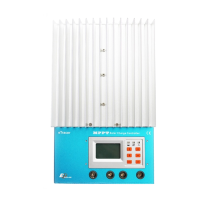
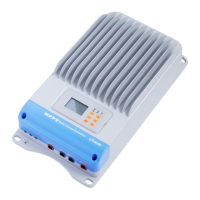
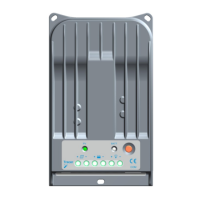
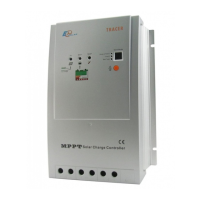
NOTE: When mounting the eTracer, ensure free air through the
controller heat sink fins. There should be at least 150mm of clearance
above and below the controller to allow for cooling. If mounted in an





 To Next Page