Page 18
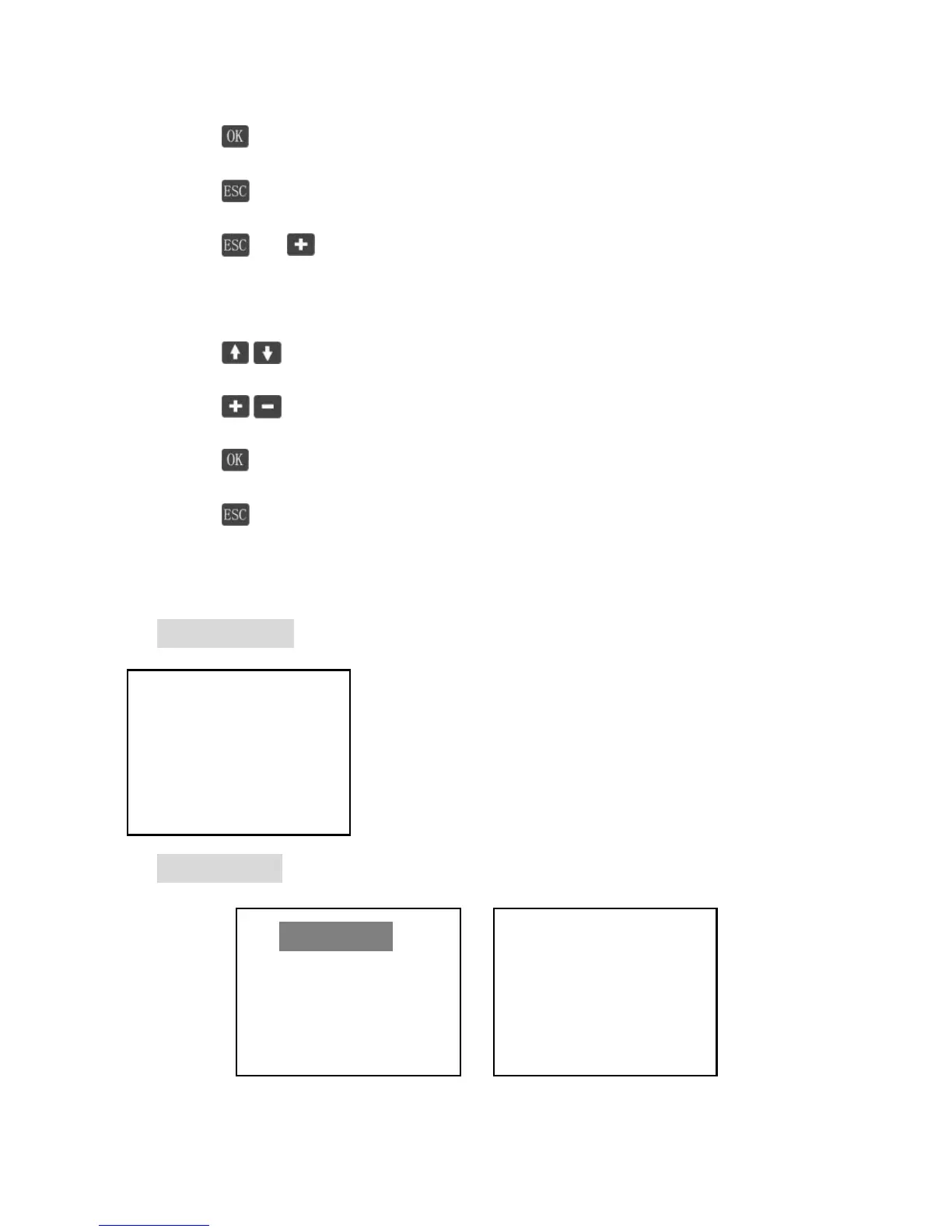
2. Enter menu or setting mode
3. Return to main menu in any interface.
4. + Recover default password.
Setting mode:
1. Move cursor.
2. Modify value or option
3. Save the changes and return to ‘Browse mode’.
4. Return to ‘Browse mode’ without saving the change.
Note: Password is a must necessary for modifying parameters at any time. So
saving all the changes in one group in one time is highly recommended.
Initialization
When the controller is powered on, the LCD displays
the information as shown in the picture. It indicates
that initialization is normal when the interface goes
automatically to the monitoring interface.
Main Menu
Figure 4.4.1 main menu



 To Next Page