Page 20
For the Abbreviation Explanations,please refer to Annex 1
4. The parameters in monitoring interface are only for browse.
Control Para
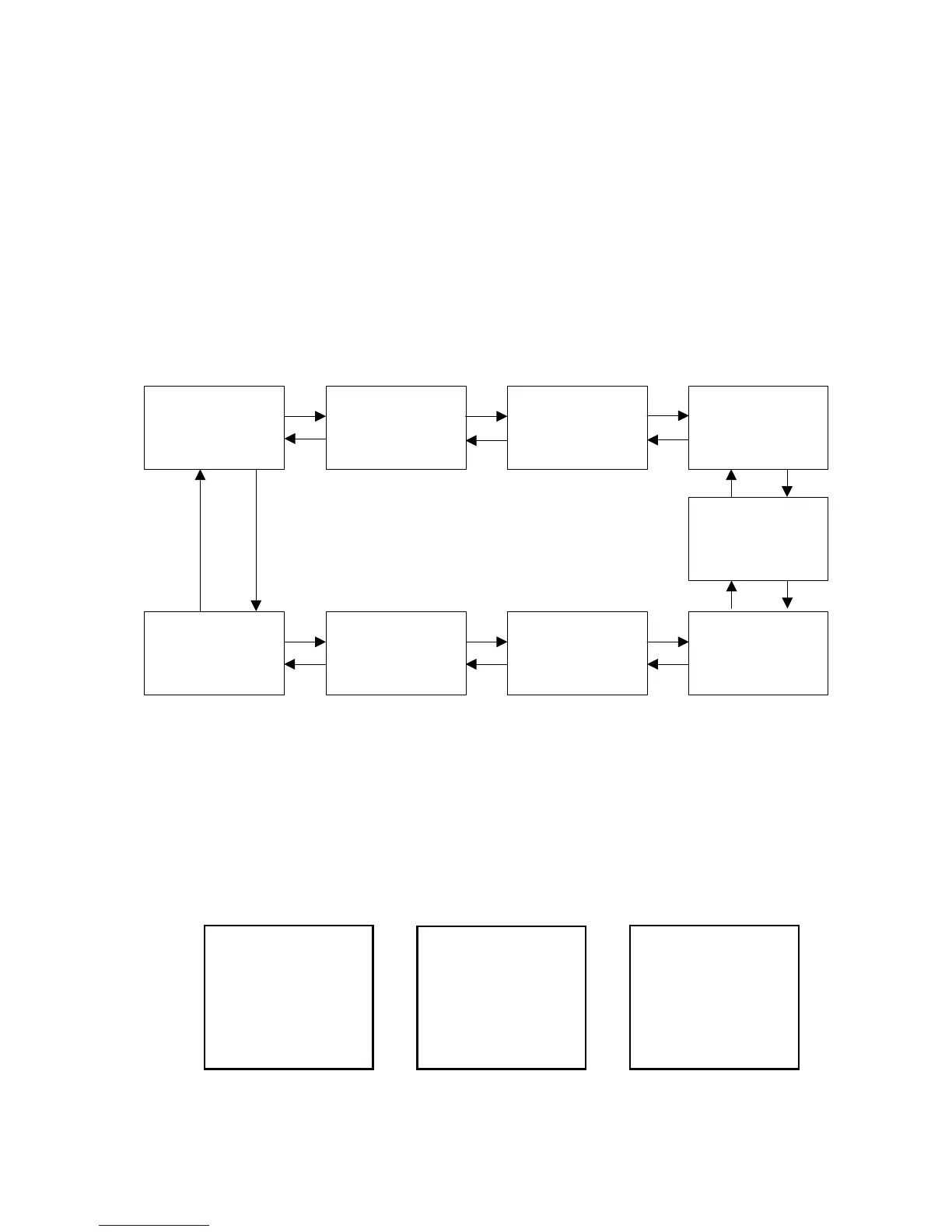
There’s 9 interfaces for ‘Control Parameters’, as shown in the Figure 4.4.3.
And display 2 kinds of mode-- Browse & Setting mode. In setting mode, all the
parameters can be modified. And will immediately effect when saved.
Figure 4.4.3 Control parameters interface
For parameter range, please refer to the Table 8.1
For the Abbreviation explanations, please refer to Annex 1!
System Para
Figure 4.4.4 System parameters



 To Next Page