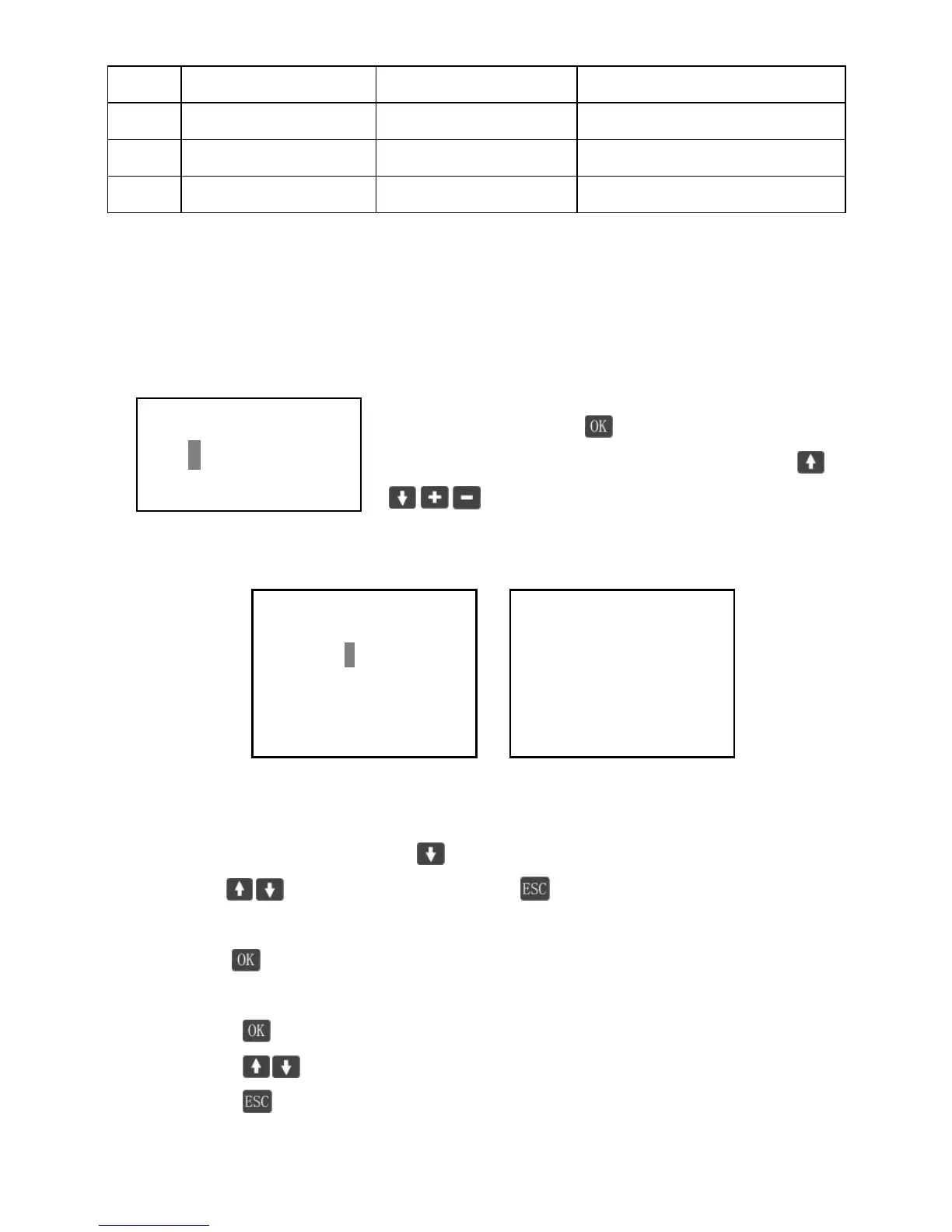
Note: In the same network, MAC address must be unique to each controller.
Otherwise communication error will occur.
Clock Set
In this interface, click enter into ‘Set mode’,
user can adjust real-time date & time by buttons
.
Log Info
Figure log 1 Figure log 2
There’s two ways to browse the event log.
1. In ‘Log 1’ interface, click button, jump to the browse interface, then
use to page up or down. And back to ‘Log 1’ interface.
2. In ‘Log 1’ interface :
Press to enter setting mode
Set start-time /end-time.
Press back to ‘browse mode’
Press to page up or down
Press back to ‘Log 1’ interface.




 To Next Page