Page 23
Notes:
1. ‘From’ time must be ahead of ‘To’ time, or else, there will be ‘Para Error’
pop out.
2. Browse interface includes: warning event sequence number, warning event,
start or end time, parameter value. (Refer to log 2 )
3. For Event explanations, please refer to Annex1!
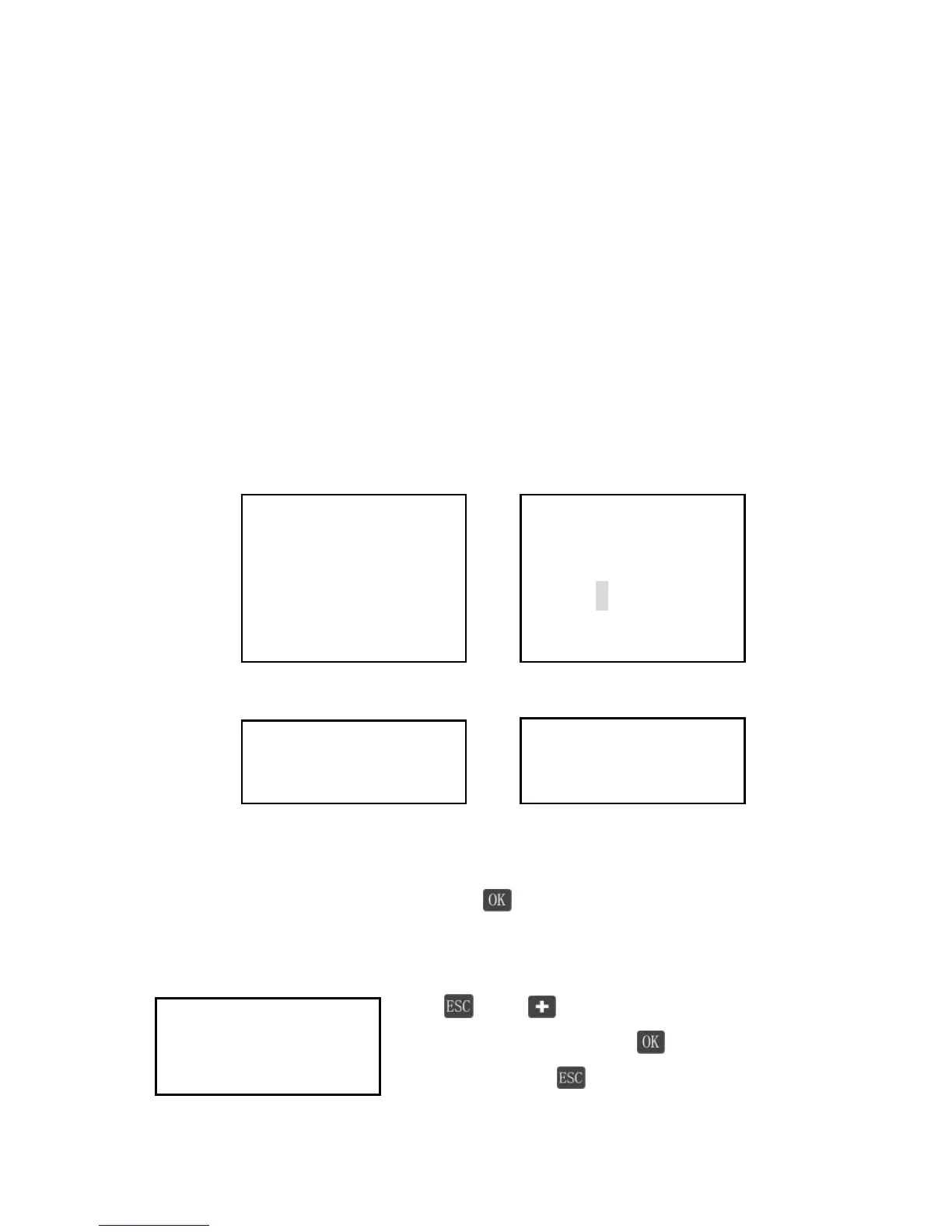
Password
Psw (Password) is used for protecting all parameters that can be modified.
Before entering setting mode, Psw 2 will pop up. Input right password,
otherwise Psw 3 – PSW Error will popup.
Psw 1 Psw 2
Psw 3 Psw 4
Modify password
In ‘Modify Password’ interface, press to enter setting mode, input old and
new password. Neither of them is wrong, Psw 4 Modify Fail will popup.
Recover default Password
Press and simultaneously in any interface,
Display this interface. Press to recover default
password, or press to remain current password.




 To Next Page