Commands Arranged by Topic
ASCII
Dec. Hex. Description
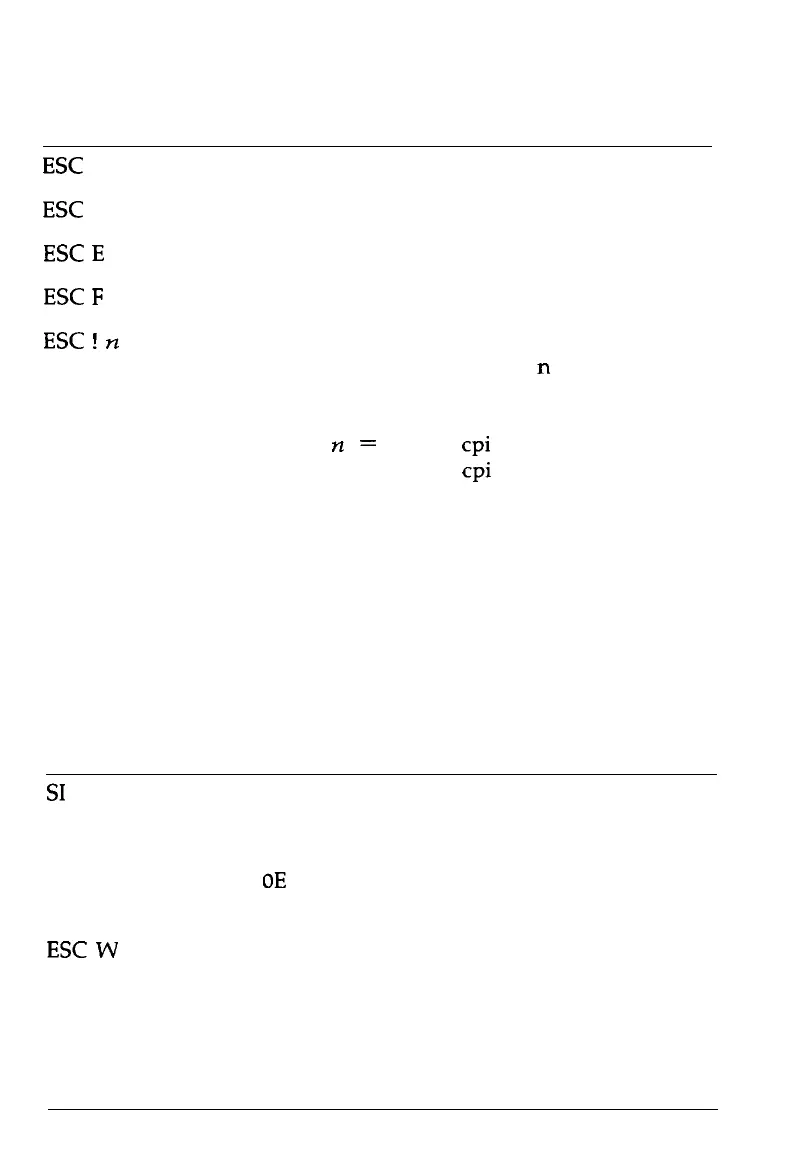
ESC
4
52 34
Select Italic Font
ESC
5 53 35
Cancel Italic Font
ESC
E
69 45
Select Bold Font
ESC
F
70 46
Cancel Bold Font
ESC
!
n
33
21
Master Select
To find the value of
n
add together
the numbers of the typestyles you
want to combine from the list below:
n
=
0: 10
cpi
1: 12
cpi
2: proportional
4: condensed
8: bold
16: double-strike
32: double-width
64: italic
128: underline
Font enhancement
ASCII
Dec. Hex. Description
SI
15 OF
Select Condensed Printing
DC2
18 12 Cancel Condensed Printing
SO
14
OE
Select Double-Width Printing (one
line)
ESCW
1/0 87 57 Turn Double-Width Printing On/Off
DC4
20 14 Cancel Double-Width Printing (one
line)
Command Summary 8-7










 To Next Page