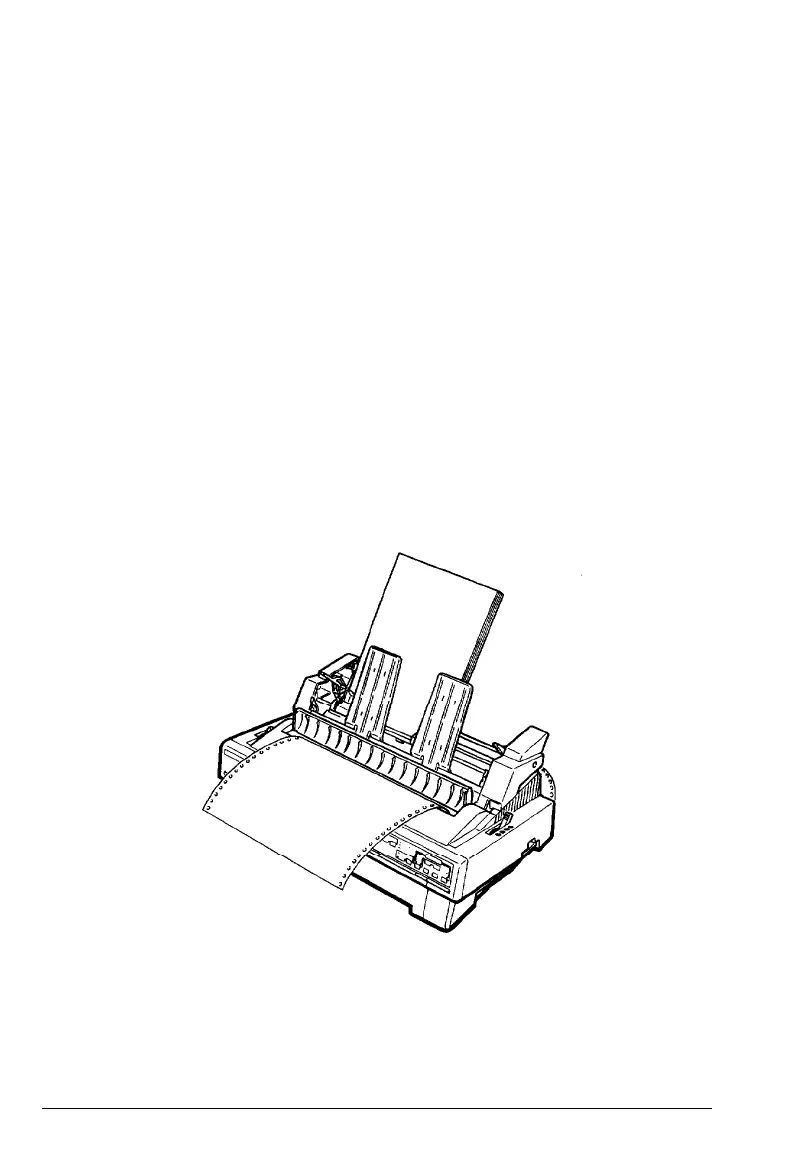
Cut-Sheet Feeder
Switching between continuous paper and the
cut-sheet feeder
This printer allows you to switch easily between the cut-sheet
feeder and the tractor-feeding system without removing either the
feeder or the continuous-paper supply.
Switching to continuous paper
1.
If a single sheet is in the paper path, press the LOAD/EJECT
button to eject it.
2.
Place the paper release lever in the front or rear push-tractor
position.
3. Open the paper-path guide to eject the continuous paper
forward.
Using the Printer Options
4-11










 To Next Page