2-10
Setting Up the Scanner
R4C0910
Rev. C
A5 size SETUP.FM
1/12/00 Pass 3
L
Proof Sign-off:
SEI Y.Takasaki M.Fujimori
M.Fujimori
SEI M.Kauppi
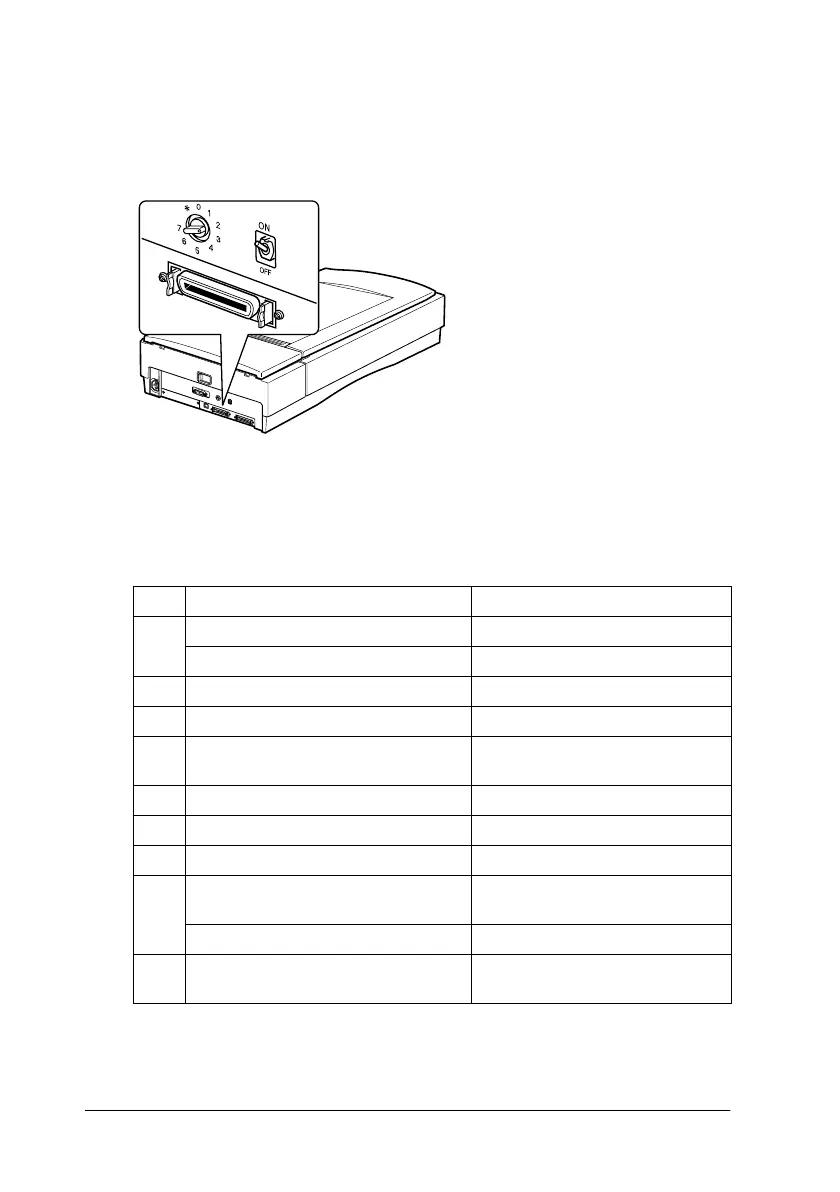
Setting the SCSI ID number
The scanner's default SCSI ID number is 2.
If you add the scanner to a system in which one of your SCSI devices
already has a SCSI ID of 2, change the ID number to an unused
number using the rotary switch. See the table below as a guide.
ID Availability Description
0 Not available for Macintosh Used for hard disk
Not recommended for Windows Usually used for hard disk
1 Not recommended Usually used for hard disk
2 Factory setting of the scanner
3 Not available if your Macintosh
has a built-in CD-ROM
4
5
6
7 Not available for Macintosh Always used for the Macintosh
itself
May not be available for Windows Usually used for the SCSI board
✽
Not available For transportation purposes.
*
See page 7-4
* Scanner will not work if selected.
The SCSI ID rotary switch
is located at the rear of
the scanner.









 To Next Page