4-10
Using Your Scanner
R4C0910
Rev. C
A5 size USING.FM
1/12/00 Pass 3
L
Proof Sign-off:
SEI Y.Takasaki M.Fujimori
M.Fujimori
SEI M.Kauppi
Scanning an Image
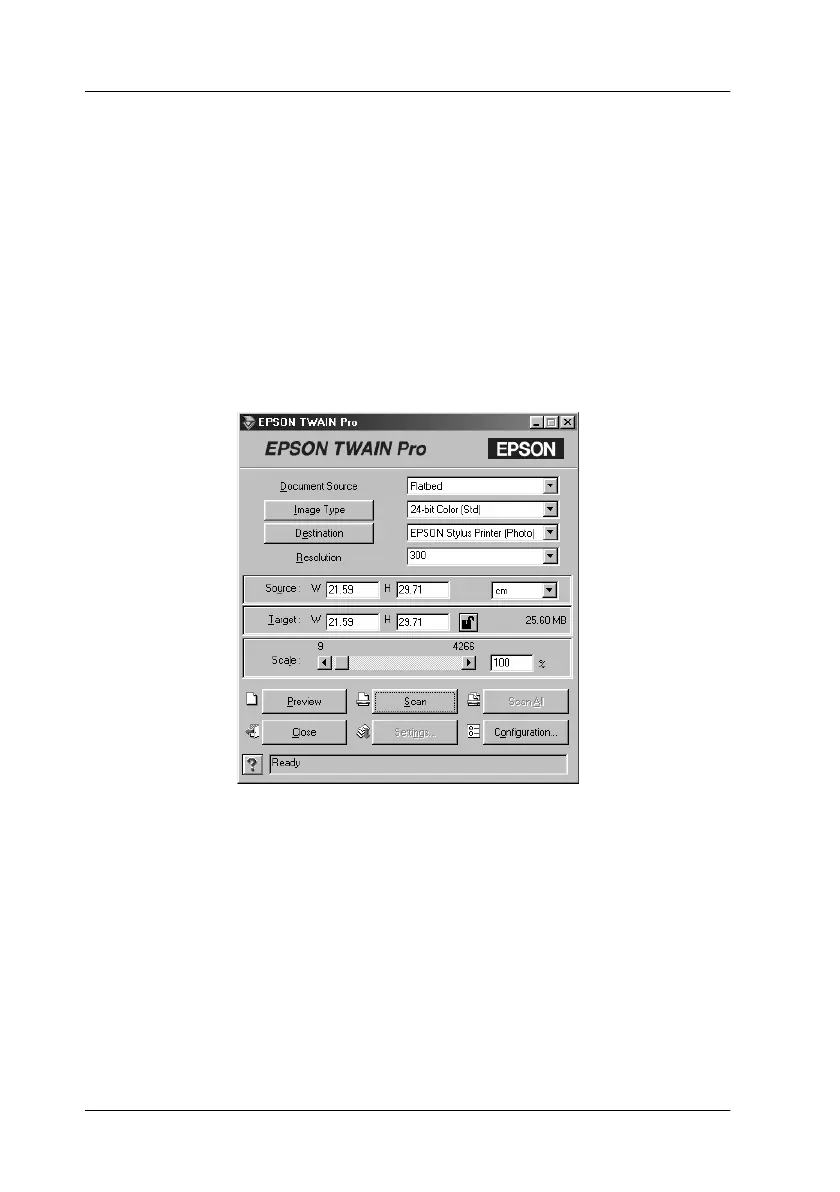
When you start EPSON TWAIN Pro or EPSON TWAIN Pro
Network through a TWAIN-compliant application, the following
window or similar appears on the screen:
Note for Macintosh users:
Most illustrations shown in this chapter are for Windows, so they may
vary from the actual dialog boxes that appear on your screen. You can
use them for reference however, as almost all the settings and functions
are the same.
The following gives an overview of EPSON TWAIN Pro and
EPSON TWAIN Pro Network.
Note:
❏
Some settings may appear dimmed and cannot be selected because
of your choice of settings.









 To Next Page