2
Setting Up the Scanner
2-11
R4C0910
Rev. C
A5 size SETUP.FM
1/12/00 Pass 3
R
Proof Sign-off:
SEI Y.Takasaki M.Fujimori
M.Fujimori
SEI M.Kauppi
c
Caution:
Do not set the SCSI ID to an ID number that is already assigned
to another device otherwise the computer, scanner, and other
devices will not operate properly.
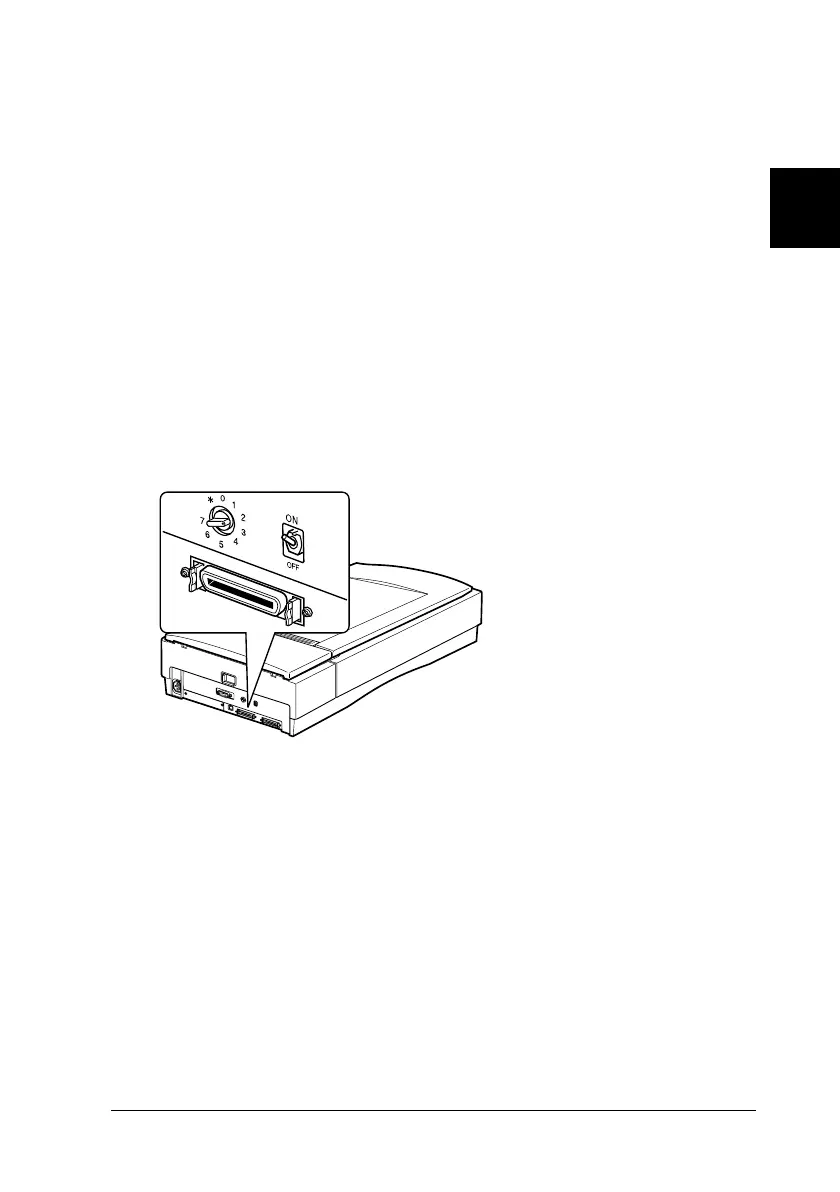
Setting the terminator switch
The scanner has a built-in terminator, which allows SCSI devices
to communicate properly with each other. You may need to
change the terminator switch setting according to your computer
system.
Note:
Do not use an external terminator.
The terminator switch is located
at the rear of the scanner.









 To Next Page