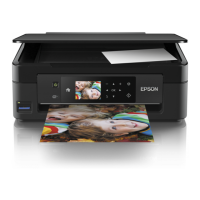
Need help?
Do you have a question about the Epson 440 and is the answer not in the manual?
Critical safety guidelines for handling the printer and its components, including warnings and cautions.
Detailed technical data including printing, paper, and electrical specs.
Explanation of error codes, symptoms, and troubleshooting steps.
Detailed instructions for taking apart and putting back together the printer mechanism.
Detailed procedures for performing various printer adjustments.
Identifying defective units based on symptoms and referring to specific troubleshooting flows.
Specific troubleshooting and repair steps for the power supply board.
Instructions for diagnosing and repairing issues within the printer's mechanical components.
 General
| Print Technology | Inkjet |
|---|---|
| Max Print Resolution | 5760 x 1440 dpi |
| Functions | |
| Output Paper Capacity | 30 sheets |
| Connectivity | USB |
| Paper Sizes | A4, A5, A6, B5, Letter, Legal |
| Input Paper Capacity | 100 sheets |
| Ink Cartridges | Black, Cyan, Magenta, Yellow |
| Operating Systems | Windows |

 To Next Page