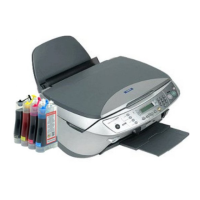
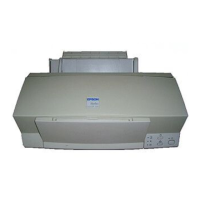
EPSON Stylus Color 600
Rev. A
1-2
1.4.2 Panel Functions
•q
Panel Functions
•r
Switch Function
Load/Eject
(Pushing within 0.5 seconds*)
Loads or Eject the paper.
When the carriage is on the Ink Cartridge change position, return the
carriage from Ink Cartridge change position.
Load/Eject
(Pushing for 2 seconds*)
Starts the Ink Cartridge change sequence.**
Moves the carriage to cartridge change position.
Cleaning
(Pushing for 2 seconds*)
Starts the Head Cleaning sequence. ***
In the condition of “Ink Low” or “Ink Out” or “No Ink Cartridge” starts
the Ink Cartridge change sequence.**
Cleaning
(Pushing within 2 seconds*)
When carriage is on the Ink Cartridge change position, return carriage
from Ink Cartridge change position.
Note) *: 3 seconds is required at the User’s manual.
**: This function is not available in printing status.
***: The time to complete the sequence may vary depending on the printer’s status.
•q
Panel Functions with Power ON
•r
Switch Function
Load/Eject
Starts status printings.**
Cleaning
Enter the Default Setting mode
Load/Eject
+
Cleaning
Enters the particular settings mode. (Factory use only.)
To enter the particular settings mode, it is necessary to push
followings switch while Paper Out LED is blinking.(It blinks about 5
seconds)
Note) **: status printings prints firmware version, ink counter, selected code page and nozzle check
patterns.
•q
Particular setting mode
•r
Switch Function
Load/Eject
Initialize EEPROM *** and reset Timer IC.
Note) ***: Refer to EEPROM map.
Table 1-19. Panel Function
Table 1-20. Panel Function with Power ON
Table 1-21. Particular Setting Mode


 To Next Page