EasyManua.ls Logo

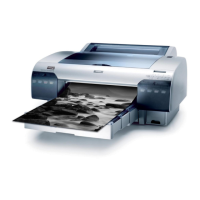
Epson Stylus Pro 4400 - User Manual

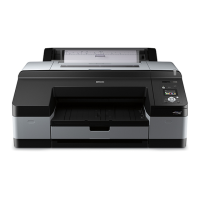
Epson Stylus Pro 4400
506 pages
Print Icon
To Next Page IconTo Next Page
Loading...
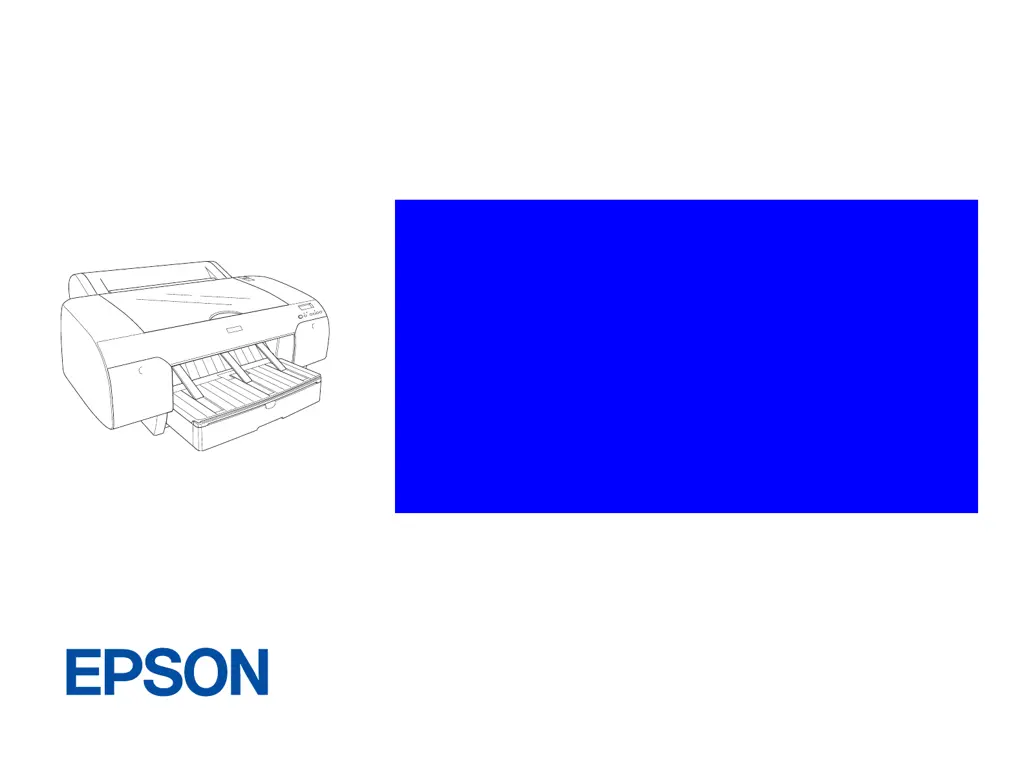
EPSON Stylus Pro 4400/4450/4800
4880/4880C
Color Large Format Inkjet Printer
SERVICE MANUAL
SEIJ04008

Table of Contents

Other manuals for Epson Stylus Pro 4400

Questions and Answers

  • M
    Michael JacksonSep 2, 2025
    What does 'COMMAND ERROR' mean on my Epson Stylus Pro 4400 Printer?
    • S
      Sierra HoustonSep 2, 2025
      The Epson Printer is receiving damaged data or data with a wrong command, or the installed printer driver is not correct for the printer. To resolve this, stop printing and press the Pause button for 3 seconds. Also, ensure the installed printer driver is correct for your printer.
  • T
    Taylor WashingtonAug 25, 2025
    How to fix Epson Printer RELOAD PAPER error?
    • C
      christian02Aug 25, 2025
      The 'RELOAD PAPER' error on your Epson printer indicates that the printer cannot detect the loaded cut sheet media because it is wavy or curled, or the printer cannot detect the loaded paper. Flatten the cut sheet media or move the paper lever to resolve this.
  • S
    sarahvillanuevaSep 23, 2025
    What to do if Epson Stylus Pro 4400 says UPDATE FAILED?
    • J
      Jennifer KellySep 23, 2025
      If your Epson printer displays 'UPDATE FAILED', the printer failed to update the FirmWare. Update the FirmWare again.
  • K
    Kimberly HenrySep 8, 2025
    Why does my Epson Stylus Pro 4400 say 'REAR COVER OPEN'?
    • A
      Andrew BrownSep 8, 2025
      The rear cover of the Epson Printer is open. Close the rear cover.
  • A
    Ashley HenrySep 14, 2025
    What to do if Epson Stylus Pro 4400 Printer displays MNT TK NEAR FULL?
    • S
      Samantha PierceSep 14, 2025
      If your Epson printer displays 'MNT TK NEAR FULL', the maintenance tank is almost full. Replace the maintenance tank with a new one.
  • W
    wardrobertSep 5, 2025
    What to do if my Epson Printer says 'CHANGE PAPER TYPE'?
    • H
      Haley WilsonSep 5, 2025
      The loaded paper does not match the paper type selected on the Epson Printer. Match the loaded paper to the paper type.
  • E
    Erik CareyAug 30, 2025
    What does 'MNT TNK FULL' mean on my Epson Stylus Pro 4400 Printer and how do I fix it?
    • S
      Sarah AlexanderAug 30, 2025
      The maintenance tank of your Epson Printer is full. Replace it with a new one.
  • E
    Edward SloanSep 18, 2025
    What to do if Epson Stylus Pro 4400 says REPLACE CNVRSION CRTG?
    • D
      deannagomezSep 18, 2025
      If your Epson printer displays 'REPLACE CNVRSION CRTG', it means the conversion cartridge needs to be replaced. Replace the conversion cartridge with a new one.
  • O
    ogonzalezSep 12, 2025
    What to do if my Epson Stylus Pro 4400 displays 'UPDATE FAILED'?
    • E
      Elizabeth CherrySep 12, 2025
      The Epson Printer failed to update the Firmware. Update the Firmware again.
  • V
    vcampbellAug 27, 2025
    What to do if Epson Stylus Pro 4400 Printer says LOAD SHEET PAPER IN P. TRAY?
    • A
      alexanderhendricksAug 27, 2025
      If your Epson printer displays 'LOAD SHEET PAPER IN P. TRAY', the cut sheet media is not set correctly in the paper tray. Set the cut sheet media in the paper tray correctly, and select Sheet.

Epson Stylus Pro 4400 Specifications

General IconGeneral
ColorYes
Maximum resolution2880 x 1440 DPI
InterfaceUSB 1.1 Type B, IEEE 1394 (FireWire)
Print technologyInkjet
Dimensions (WxDxH)848 x 765 x 354 mm
Power requirements220 ~ 240V
Compatible operating systemsMac OS X, OS 9 Microsoft Windows 2000/XP
I/O ports1 x USB 2.0 1 x IEEE 1394
Internal memory64 MB
Paper tray media typesPlain paper
ISO A-series sizes (A0...A9)A2, A3, A4, A5
Country of originJapan
Market positioningBusiness
Package weight47600 g
Quantity per pack1 pc(s)
Weight and Dimensions IconWeight and Dimensions
Depth765 mm
Width848 mm
Height354 mm

Related product manuals