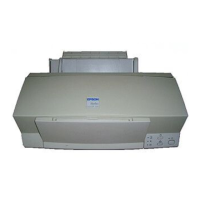
EPSON Stylus Color 600 Service Manual
Rev. A
3-
3.2.3 Control Panel Removal
1. Remove the upper housing (Refer to Section 3.2.1)
2. Remove 2 screws (No.1) and remove the control panel assembly from the printer mechanism and
disconnect the flat cable from the connector of the panel assembly.
By removing the control panel assembly, the stacker assembly is also detached from the printer
mechanism as it held by the control panel assembly.
WORK POINT
HOUSING, PANEL, LEFT
STACKER, ASSEMBLY
SHIELD PLATE, PANEL
C206 PNL Board
PANEL, ASSEMBLY
Figure 3-5. Control Panel Removal


 To Next Page