If your program does not have a driver for the HP LaserJet IIISi but can send printer
commands, send the commands below to select the HP LaserJet IIISi fonts.
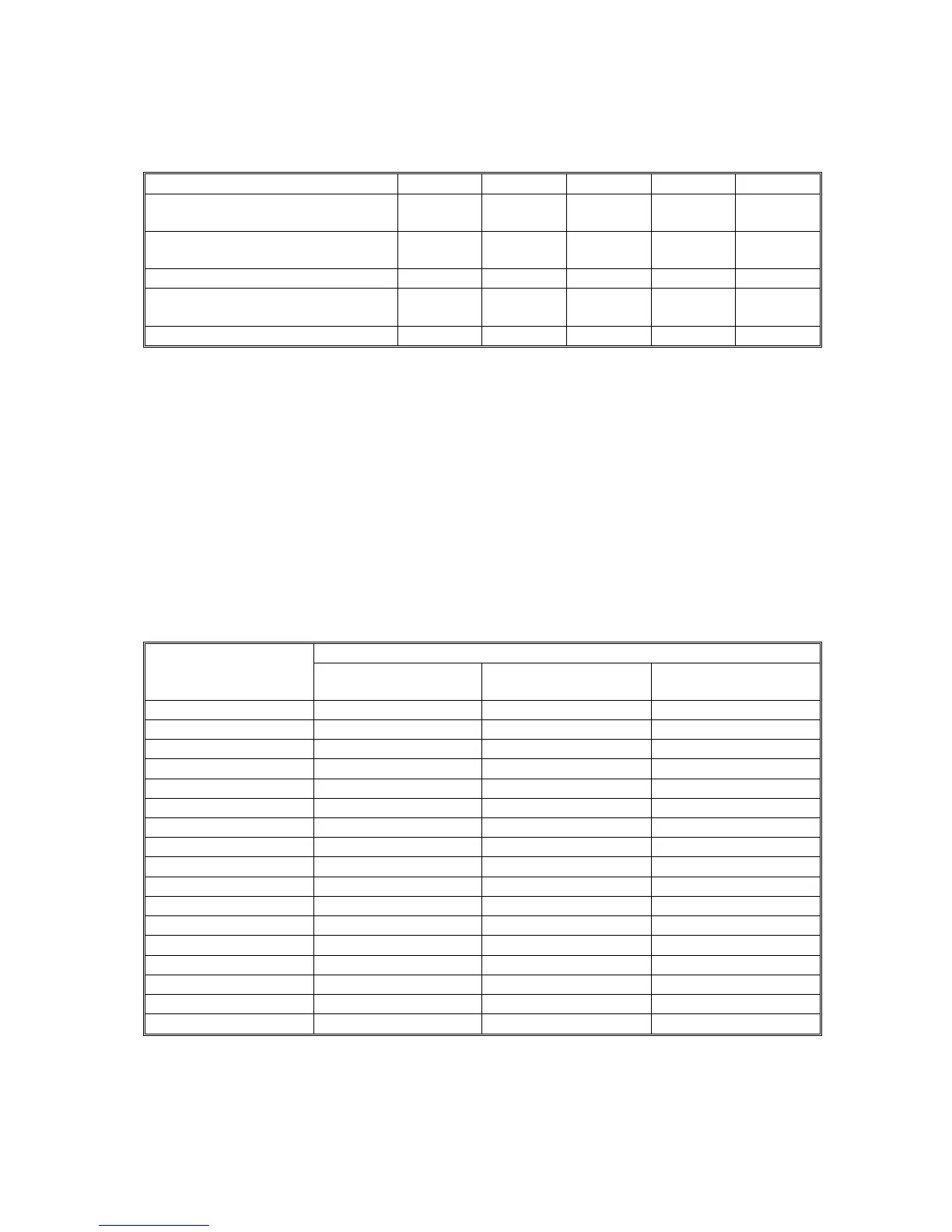
Esc (# Esc (s#P Esc (s#B Esc (s#S Esc (s#T
Epson sans serif U medium con-
densed
# 1 0 4 52
Epson sans serif U medium con-
densed italic
# 1 0 5 52
Epson sans serif U bold condensed # 1 3 4 52
Epson sans serif U bold condensed
italic
# 1 3 5 52
ITC Zapf Dingbats # 1 0 0 45
For the value of # in the Esc commands, see the symbol sets starting on page B-9.
Symbol Sets
Your printer can access a variety of symbol sets. Many of these symbols differ only in
the international characters specific to each language. This appendix provides charac -
ter tables for a representative sample of the symbol sets available in HP emulation
mode. These tables, starting on page B-9, show both the characters and their hexa -
decimal codes.
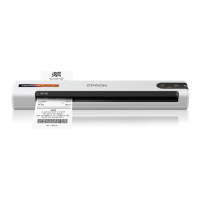
The following table shows the available character sets, and whether they are bitmap or
scalable fonts.
’✔’ means Yes, ’✖’ means No
Symbol Set Available Fonts
Bitmap Scalable Scalable (ITC Zapf
Dingbats)
Roman--8
✔ ✔ ✖
Norway 1
✔ ✔ ✖
Roman Extension
✔ ✖ ✖
French
✔ ✔ ✖
HP German
✔ ✔ ✖
Italian
✔ ✔ ✖
JIS ASCII
✔ ✔ ✖
ECM 94-1
✔ ✔ ✖
Swedish2
✔ ✔ ✖
ANSI ASCII
✔ ✔ ✖
Norweg2
✔ ✔ ✖
UK
✔ ✔ ✖
German
✔ ✔ ✖
HP Spanish
✔ ✔ ✖
Legal
✔ ✔ ✖
French 2
✔ ✔ ✖
Chinese
✔ ✔ ✖
APPENDIX B. HP EMULATION MODE
B-3


 To Next Page