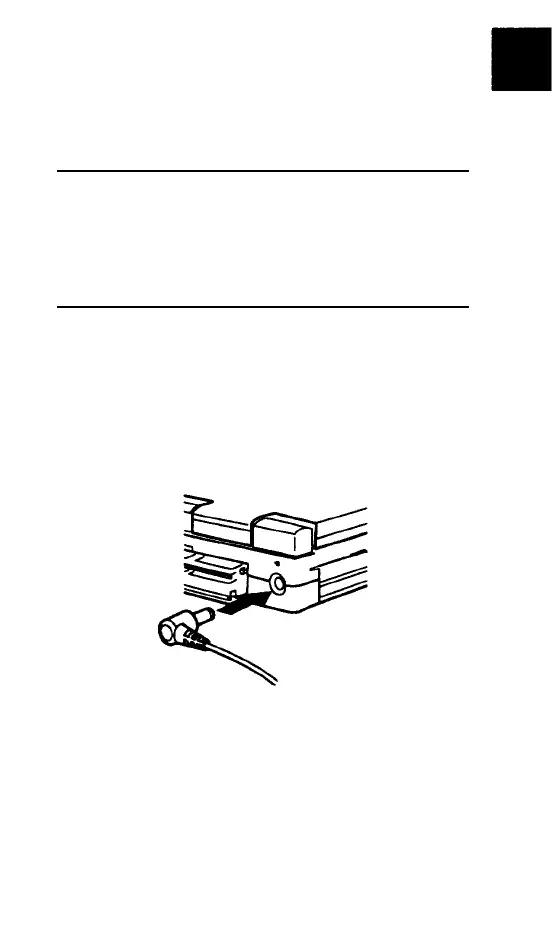
Connecting the AC Power Adapter
The lightweight AC power adapter included
with your ActionNote operates in the input
ranges 100 to 250 VAC and 40/63 Hz.
NOTE
If you purchased your computer out side the United
States, you have the international AC power
adapter. See “Using the international AC Power
Adapter” in Appendix B for more information.
Follow these steps to connect the AC power
adapter:
1.
Plug the connector into the DC-in port on
the back of the computer.
2.
Flip the adapter’s two prongs out of their
compartment, then plug the adapter into
an electrical outlet.
Getting Started 1-3



 To Next Page