Replacing a Hard Disk Drive
Follow these steps to replace a hard disk drive.
If your new drive already has the connector
card attached, start with step 3.
1.
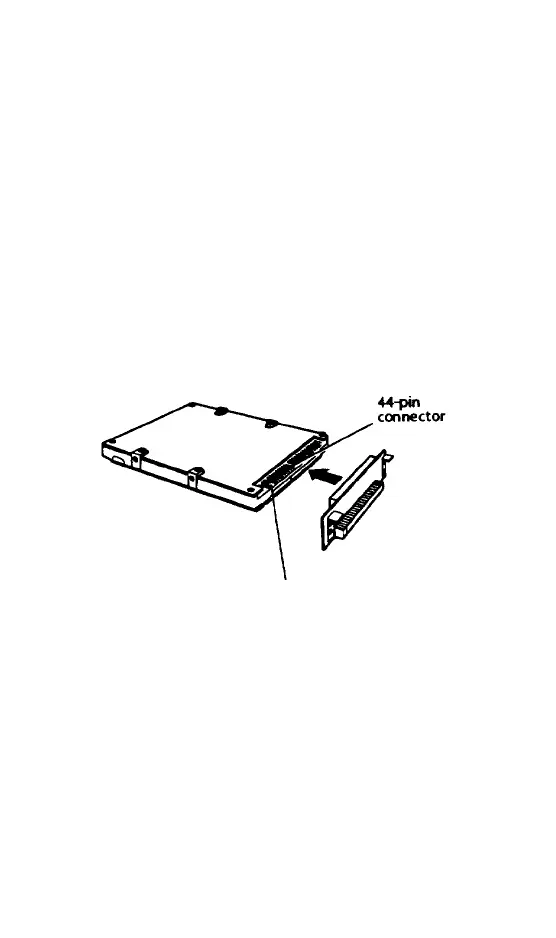
If necessary, attach the connector card
Align the holes in the card with the group
of 44 pins on the right side of the drive
connector.
Make sure the connector does not cover
the group of four pins on the left side of
the drive connector.
4-pin group
2.
When the holes and pins are properly
aligned, carefully push the card straight
onto the pins, pressing firmly on the card
until it is in place.
5-4
Upgrading Internal Components



 To Next Page