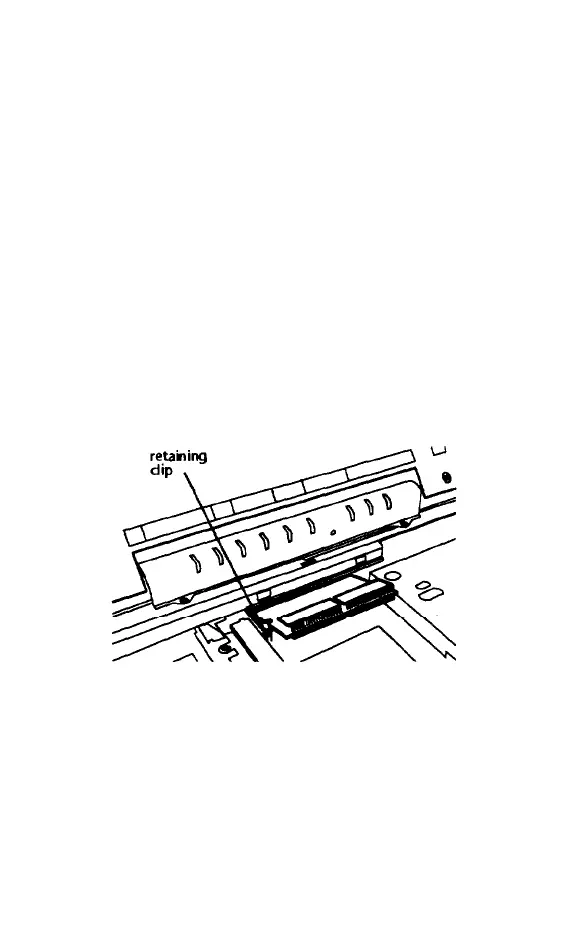
Removing a Memory Module
Your computer may have a memory module
installed. If you want to replace it with a
higher-capacity module, follow the steps
below to remove the original memory module.
If it doesn’t have a module installed, see the
next section, “Installing a Memory Module,” to
Install one.
1.
Remove the keyboard as described In the
previous section.
2.
Press each of the retaining clips toward
the side of the memory module socket and
lift the module until it is released.
3.
Pull the module out of the socket You are
now ready to install the new memory
module.
5-12 Upgrading Internal Components



 To Next Page