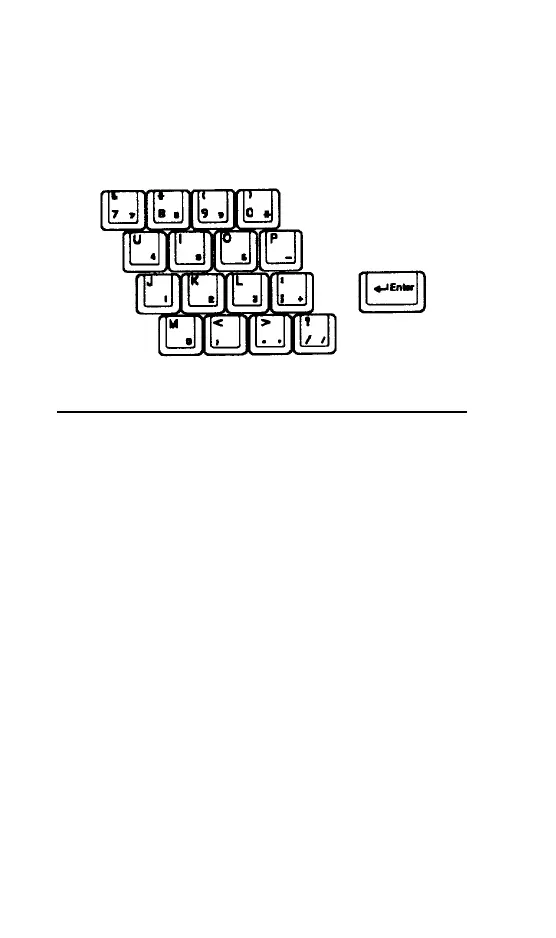
Press
Num Lock
to turn Num Lock mode on
and off. To enter the letter while in Num Lock
press Fn plus the key. With Num Lock off, you
can enter a number or symbol on the numeric
keypad by pressing Fn plus the key.
Creating Software Diskettes
Your computer came with software installed;
the program diskettes are not included.
However, you may need the diskettes to set up
a new printer or re-install a program. You
have utilities that let you create these
diskettes See your “Choosing Your Operating
System” documentation for information
1-10 Getting Started



 To Next Page