Removing the Hard Disk Drive
Follow these steps to remove the drive:
1.
Turn off the computer and disconnect any
external devices or cables.
2.
Close the LCD screen and turn the
computer over.
3.
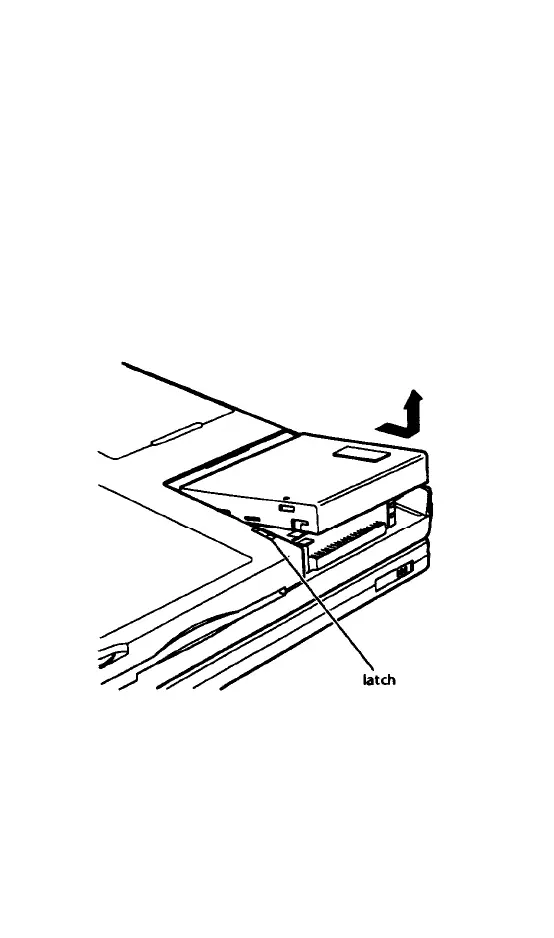
Press the latch away from the hard disk
drive cover and slide the cover back
slightly. Then lift the cover off, as shown.
5-2 Upgrading Internal Components



 To Next Page