The hard disk drive compartment on your
ActionNote can accommodate IDE
standard drives up to 19 mm high If the
drive that comes with your computer is
less than 19 mm high, it is installed above
a black foam spacer. If you are going to
install a 19 mm drive, remove the spacer
from the compartment before you
perform step 3.
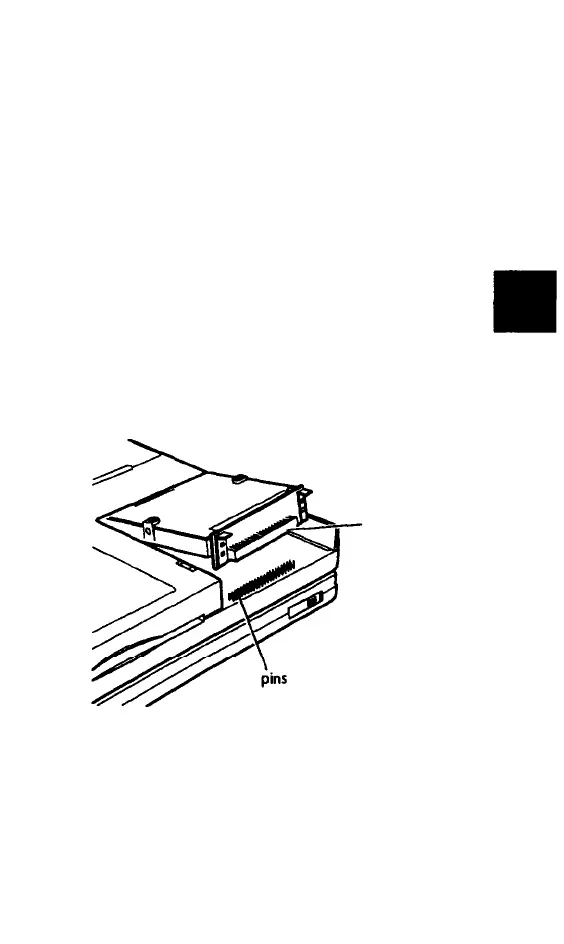
3 Insert the drive and card Into the drive
compartment, aligning the connector on
the card with the pins in the compart-
ment. Press down on the metal tabs until
the drive is fully seated.
connector
Upgrading Internal Components 5-5



 To Next Page