“Using the Battery HyperCharger/
Conditioner” in Appendix B of the online
manual for more information.
NOTE
Contact your
local government agency for recycling
information on NiMH batteries.
Follow these steps to replace the battery:
1.
Save the files you’re revising.
2.
Press the on/off button
3.
Close the screen and turn the computer
over.
CAUTION
To avoid a short, do not touch the battery
contacts with metal objects.
4.
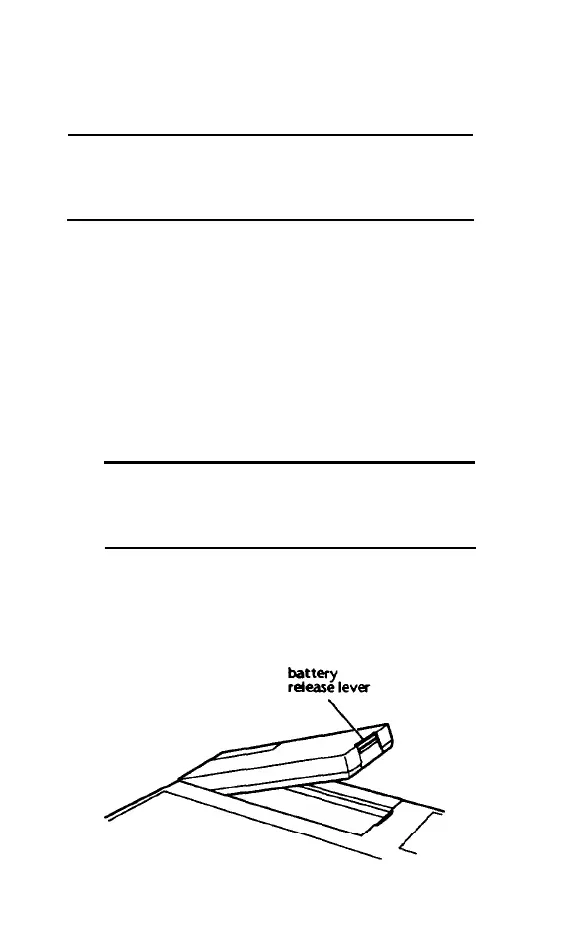
Press the battery release lever, then lift the
battery up and out of the case.
2-4 Powering the Computer



 To Next Page