4.
5.
6.
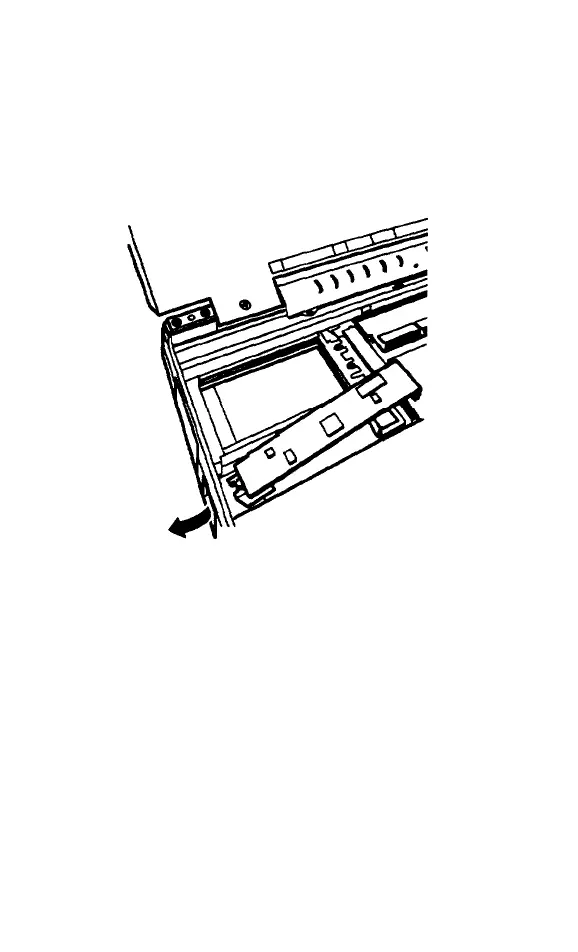
Insert the phone jack end of the fax/
modem card or the LED window of the
infrared card into the port opening and
align the connector on the card with the
connector on the system boar4 as shown
below.
Make sure the pins in the connector are
directly over the holes in the connector on
the system board Then gently push the
card straight into the connector.
If you are installing an infrared device,
you must cover the port opening with the
clear plastic cover provided with the
device.
5-16 Upgrading Internal Components



 To Next Page