Introduction
7
Part Names and Functions
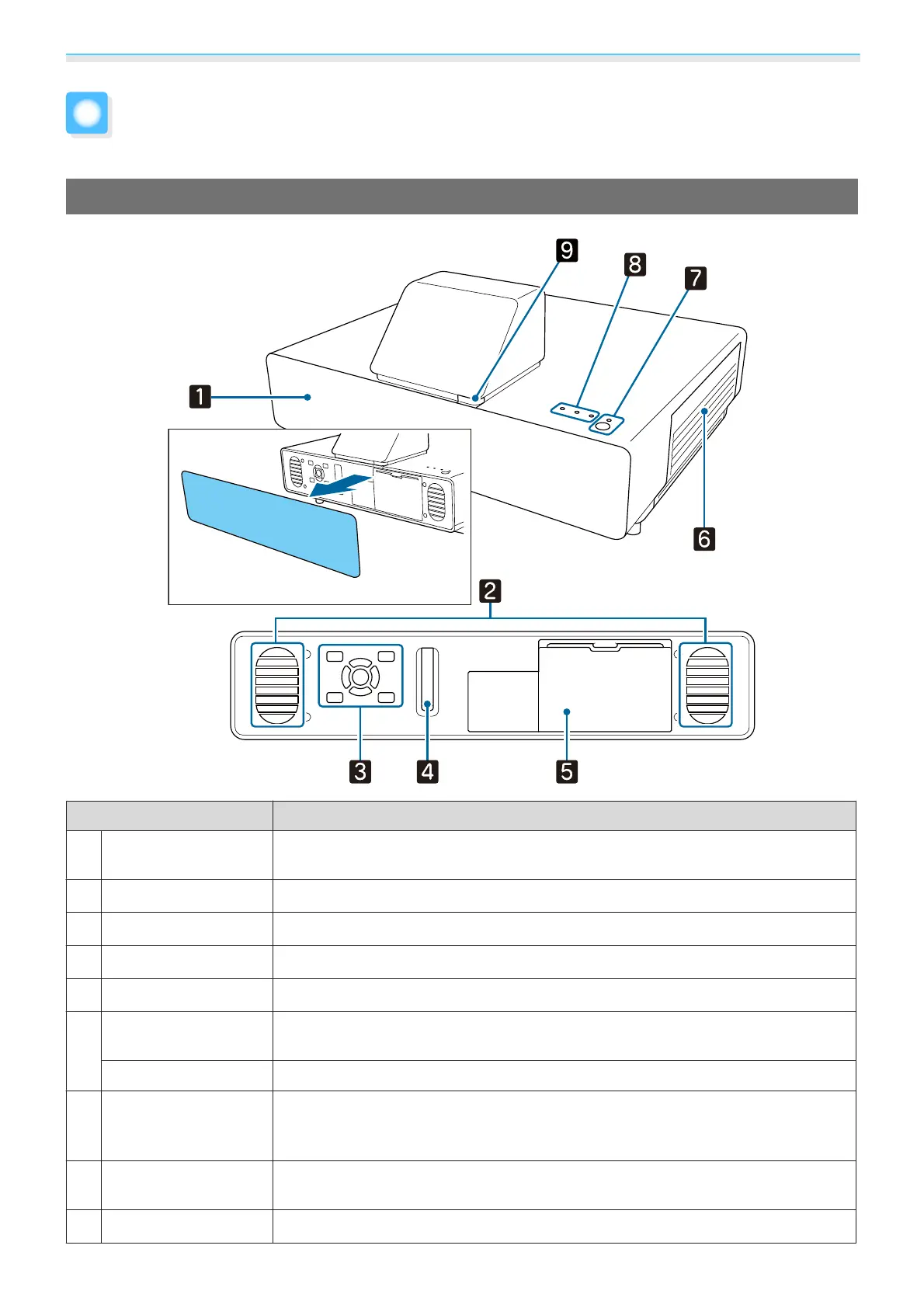
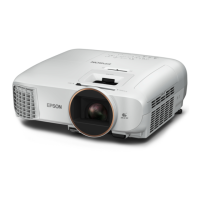
Front/Top
Name Function
a
Front cover
Remove the cover when connecting a streaming media player and when operat-
ing the control panel and focus lever.
b
Speaker
The projector's built-in speaker. Outputs audio.
c
Control panel
Operates the projector. s p.11
d
Focus lever
Adjusts the image focus. s p.26
e
Storage space cover
Remove the cover when connecting a streaming media player.s p.17
f
Air filter cover
When cleaning or replacing the air filter, open this cover and remove the air filter.
s p.83, p.85
Air intake vent
Intake vent for air used to cool the projector internally.
g
Standby button
(Standby indicator)
Turns the projector on or off.
s p.22
Lit when the projector is on. Shows the projector's status through a combination
of other indicators lit and flashing.
s p.70
h
Indicators
Shows the projector's status through a combination of indicators lit and flashing.
s p.70
i
Remote receiver
Receives signals from the remote control. s p.21



 To Next Page