12 Setting Up the Document Camera
Unpacking the Document Camera
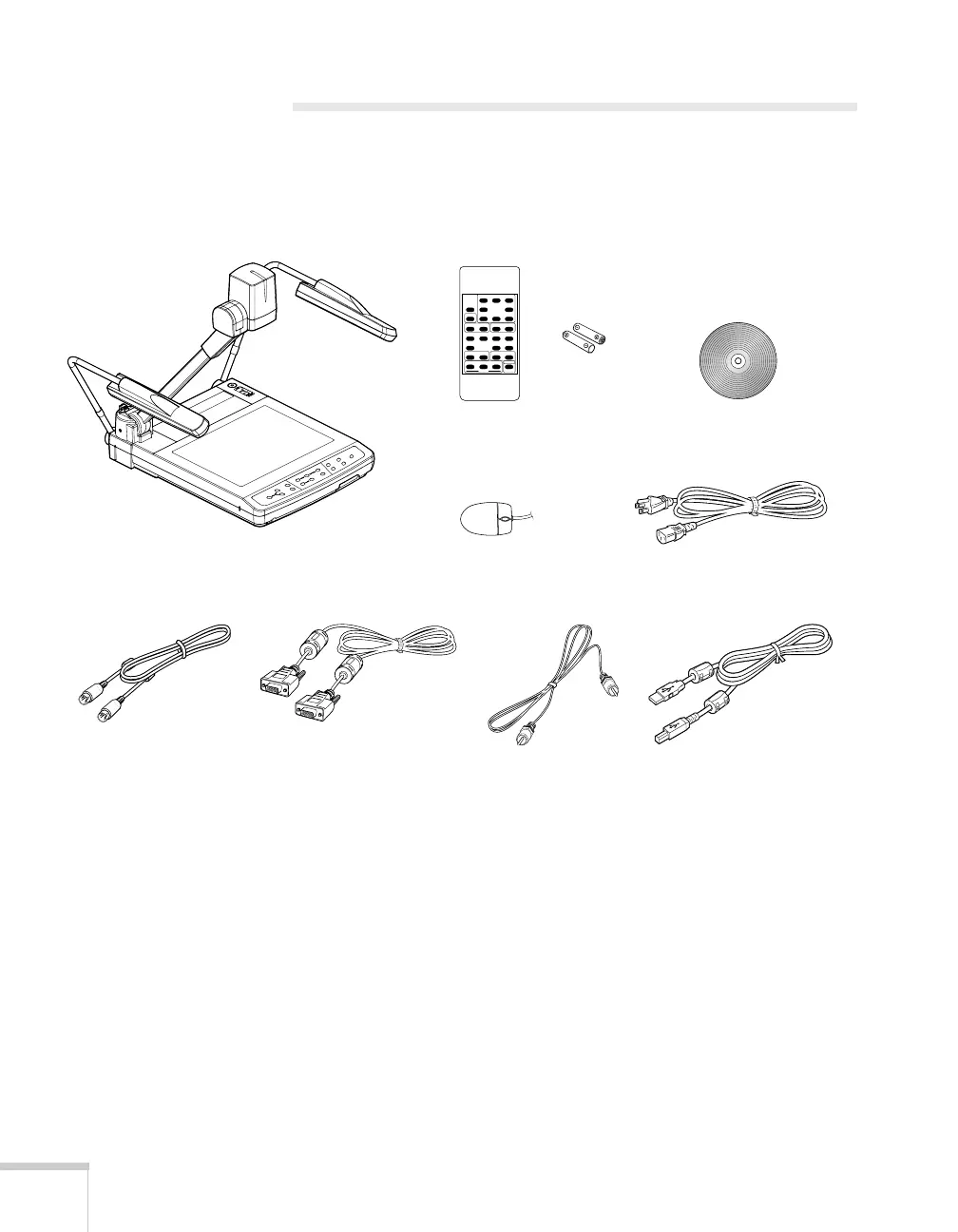
After unpacking the document camera, make sure you have all the
items shown below:
Save all the packaging in case you need to ship the document camera
later. Always use the original packaging (or equivalent) when you need
to send the document camera to another location. For transportation
instructions, see page 42.
Document camera
Remote control
Batteries
RCA cable
USB cable
RGB video cable
Power cord
Epson Utility Software
CD-ROM
Mouse
S-video cable



 To Next Page