Setting Up the Document Camera 15
Unfolding the Document Camera
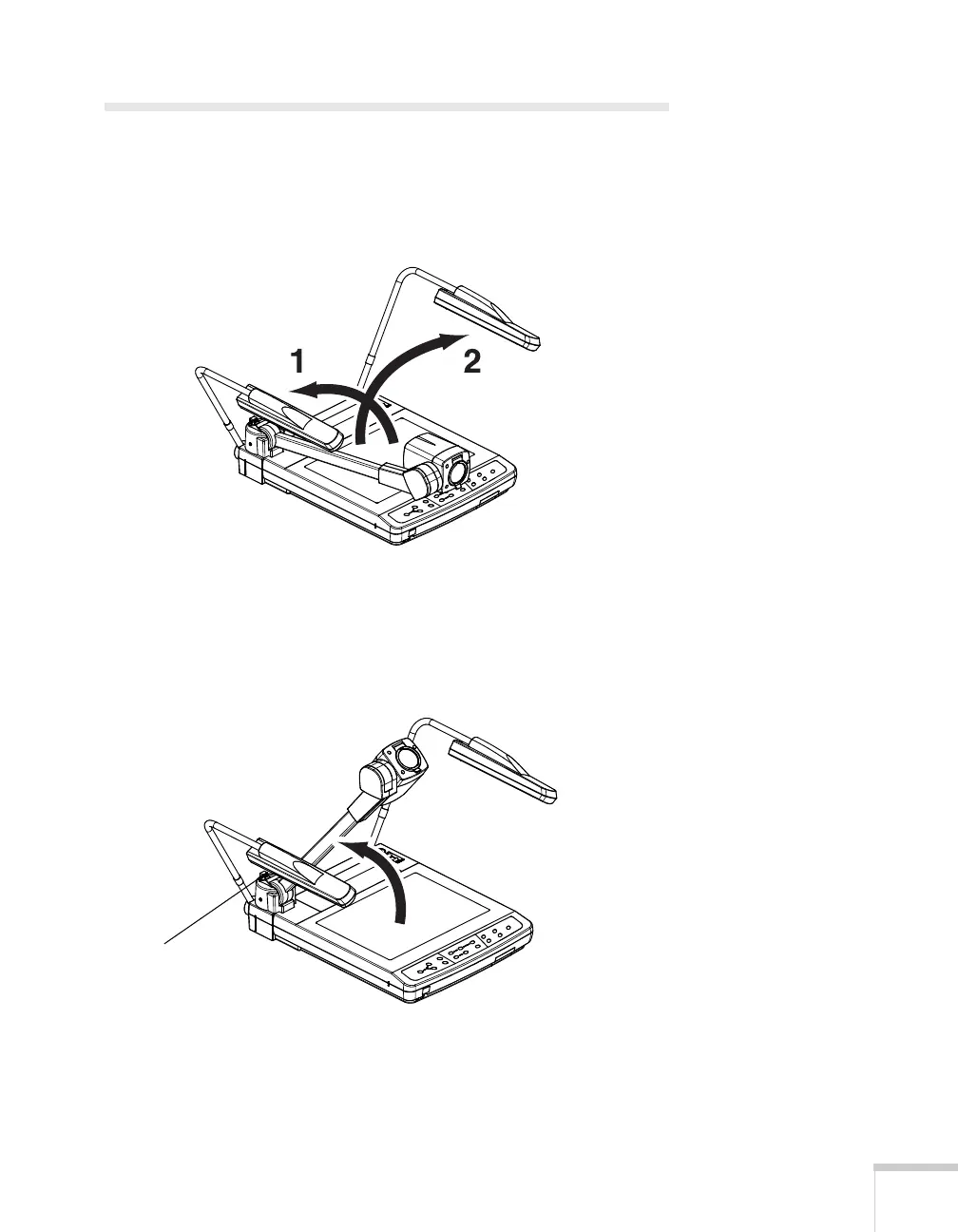
Follow these steps to unfold the document camera:
1. Raise the arm for the left lighting unit until it stops. Then raise
the right lighting unit.
2. Position the lighting units so that they face the stage (downward).
3. Press the camera arm release button as you raise the camera arm.
When the camera arm stops, release the button to lock the arm
into place.
Camera arm
release button



 To Next Page