Maintaining and Transporting the Document Camera 41
Cleaning the Document Camera Case
Before you clean the case, first turn off the document camera and
unplug the power cord.
■ To remove dirt or dust, wipe the case with a soft, dry, lint-free
cloth.
■ To remove stubborn dirt or stains, moisten a soft cloth with water
and a neutral detergent. Then wipe the case.
■ Do not use wax, alcohol, benzene, thinner, or other chemical
detergents. These can damage the case.
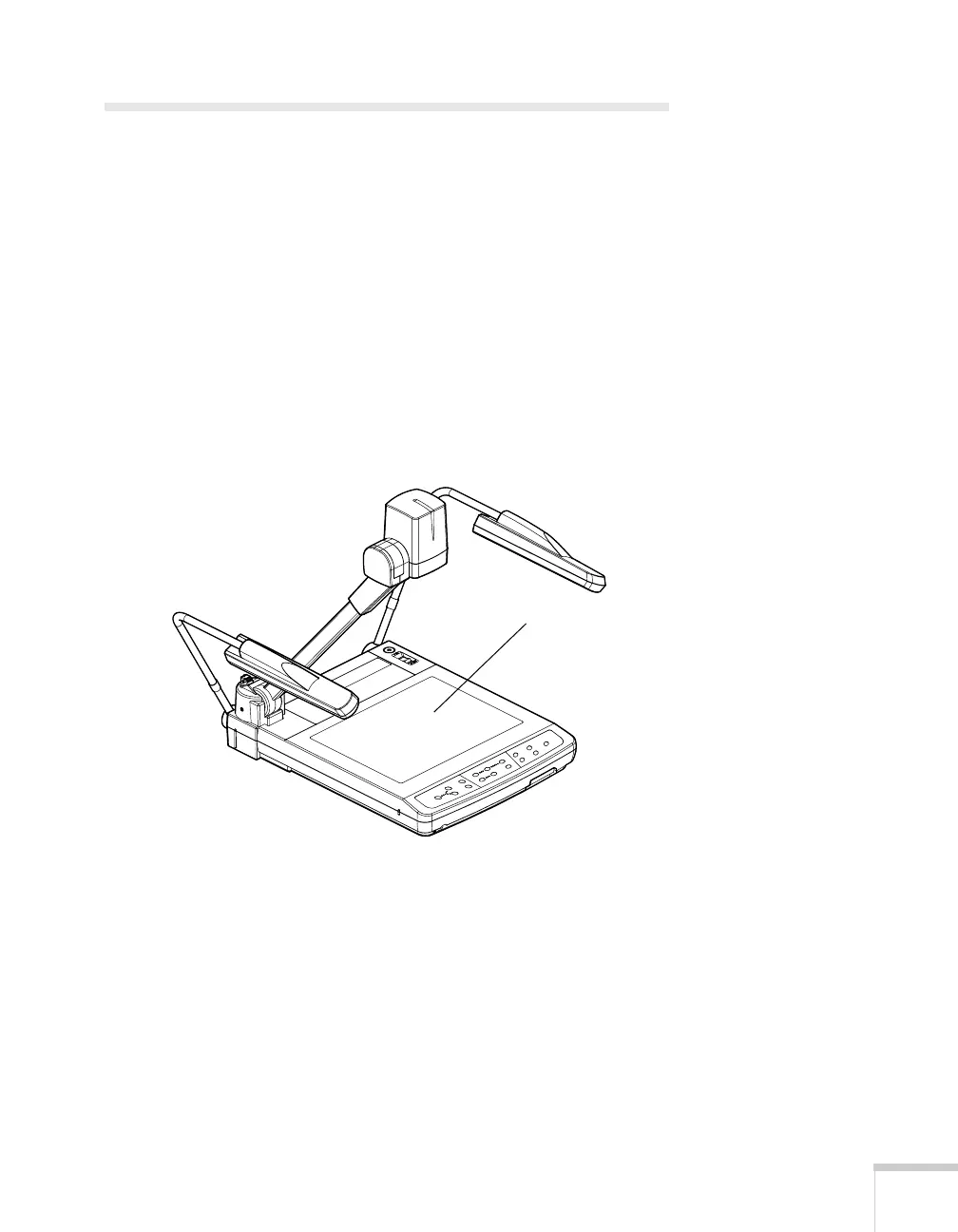
■ Take special care when cleaning the stage, or you may scratch it.
Scratches on the stage may appear on your image.
Stage



 To Next Page