Using the Document Camera 37
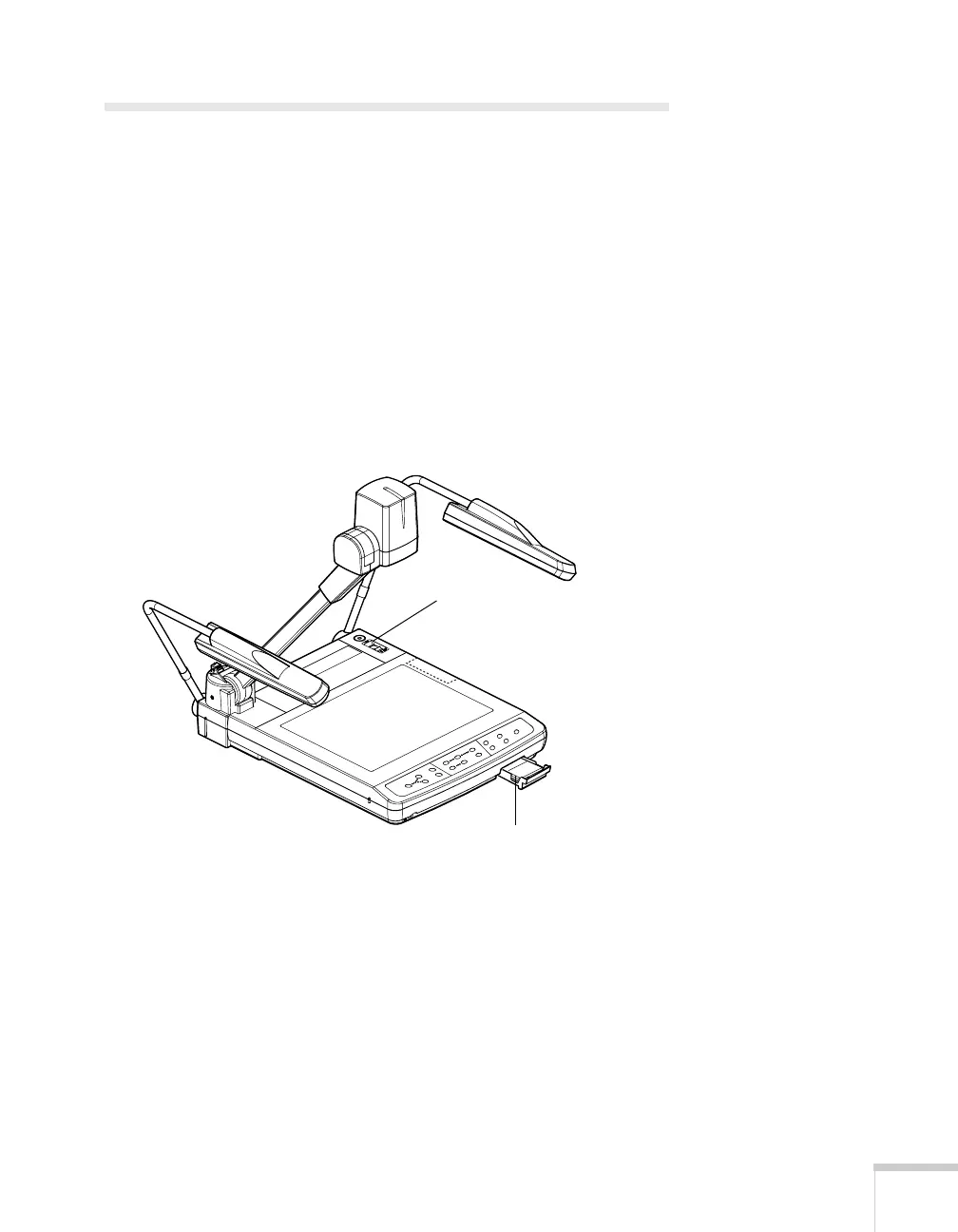
Turning Off and Storing the
Document Camera
When you’ve finished using the document camera, follow these steps
to turn off and store it. If you’re using a monitor or projector, shut it
down last.
1. Turn off the document camera.
2. Unplug the power cord and disconnect any attached video cables.
3. If the close-up lens is flipped down, close it.
4. Place the remote control inside the remote control storage
compartment and close the tray.
Place the remote
control in its storage
compartment
Turn off the camera



 To Next Page