40 Maintaining and Transporting the Document Camera
Cleaning the Lenses
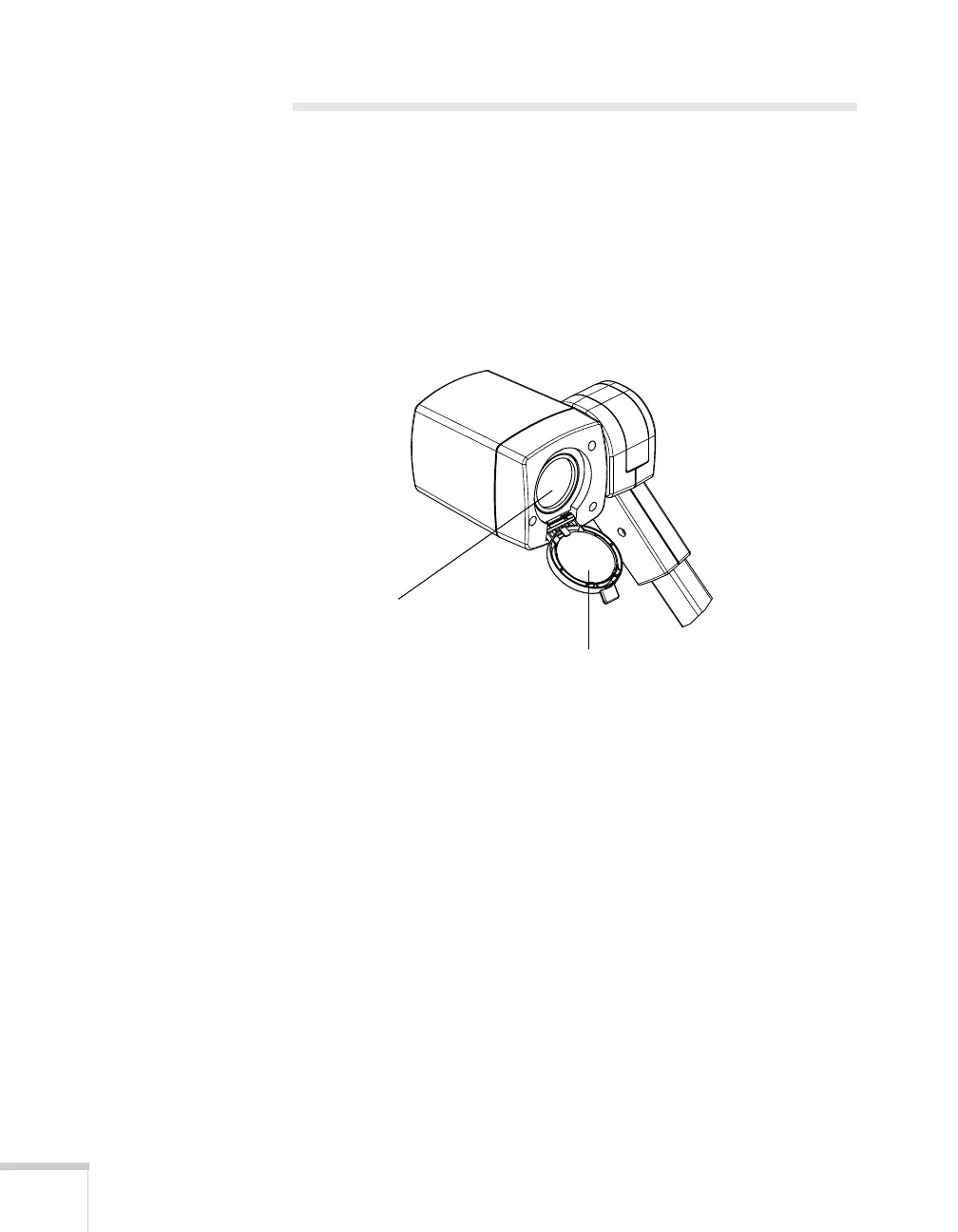
Clean the lenses whenever you notice dirt or dust on the surface.
■ Use a canister of compressed air to remove dust.
■ To remove dirt or smears on the lenses, use lens-cleaning paper. If
necessary, moisten a soft cloth with lens cleaner and gently wipe
the lens surface.
■ Clean both sides of the close-up lens.
Close-up lens
Main lens



 To Next Page