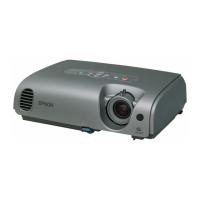
Part Names and Functions
10
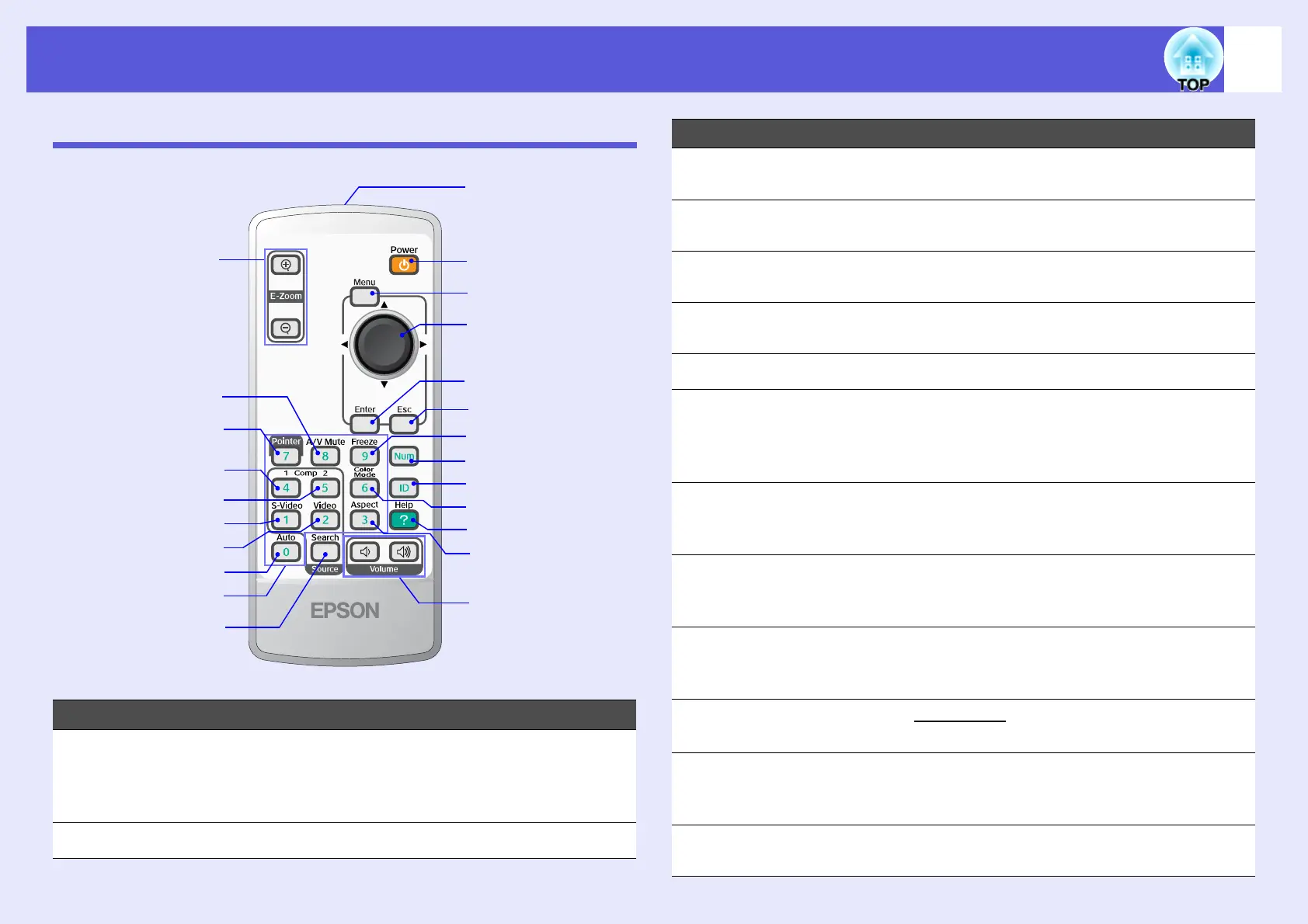
Remote Control
Name Function
A
[E-Zoom] buttons
(z) (x)
(z) Enlarges the image without changing the
projection size.
(x) Reduces parts of images that have been
enlarged using the [z] button. s p.19
B
[A/V Mute] button Turns the video and audio on or off. s p.16
A
B
U
S
W
I
Q
J
K
M
O
C
D
E
G
H
F
L
P
R
T
V
N
C
[Pointer] button Press to activate the on screen pointer.
s p.18
D
[Comp1] button Displays images from the Computer1 port.
s p.14
E
[Comp2] button Displays images from the Computer2 port.
s p.14
F
[S-Video] button Displays images from the S-Video port.
s p.14
G
[Video] button Displays images from the Video port. s p.14
H
[Auto] button If pressed during projection of computer signal
images, it automatically adjusts the tracking,
synchronization, and position to project the
optimum image. s p.32
I
Numeric buttons Used to enter a password or, when using
multiple projectors, to set the ID of the
projector to be operated. s p.26, 23
J
[Search] button Changes to the next input source that is
connected to the projector and is sending an
image. s p.13
K
[Volume] buttons (a) Decreases the volume.
(b) Increases the volume. s Quick Start
Guide
L
[Aspect] button
The aspect ratiog changes each time the
button is pressed. s p.17
M
[Help] button Displays and closes the help screen which
shows you how to deal with problems if they
occur. s p.43
N
[Color Mode]
button
Each time the button is pressed, the color
mode changes. s p.15
Name Function



 To Next Page