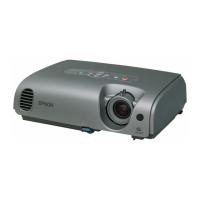
Part Names and Functions
11
Base
O
[ID] button When using multiple projectors, press this
button to specify the ID of the projector to be
used. This button is also used to determine the
ID of a projector and to check whether the
remote control can be used. s p.20
P
[Num] button While this button is pressed, the remote enters
numeric keypad mode, and each of the keys
on the keypad is enabled. Releasing the [Num]
button clears the numeric keypad mode.
s p.26, 23
Q
[Freeze] button Images are paused or unpaused. s p.16
R
[Esc] button Stops the current function.
If pressed when a configuration menu is
displayed, it moves to the previous level.
s p.30
S
[Enter] button When a configuration menu or a help screen is
displayed, it accepts and enters the current
selection and moves to the next level. s p.30
T
[h] button When a configuration menu or help screen is
displayed, it selects menu items and setting
values. s p.30
U
[Menu] button Displays and closes the configuration menu.
s p.30
V
[Power] button Turns the projector power on or off. s Quick
Start Guide
W
Remote control
light-emitting
area
Outputs remote control signals. s Quick
Start Guide
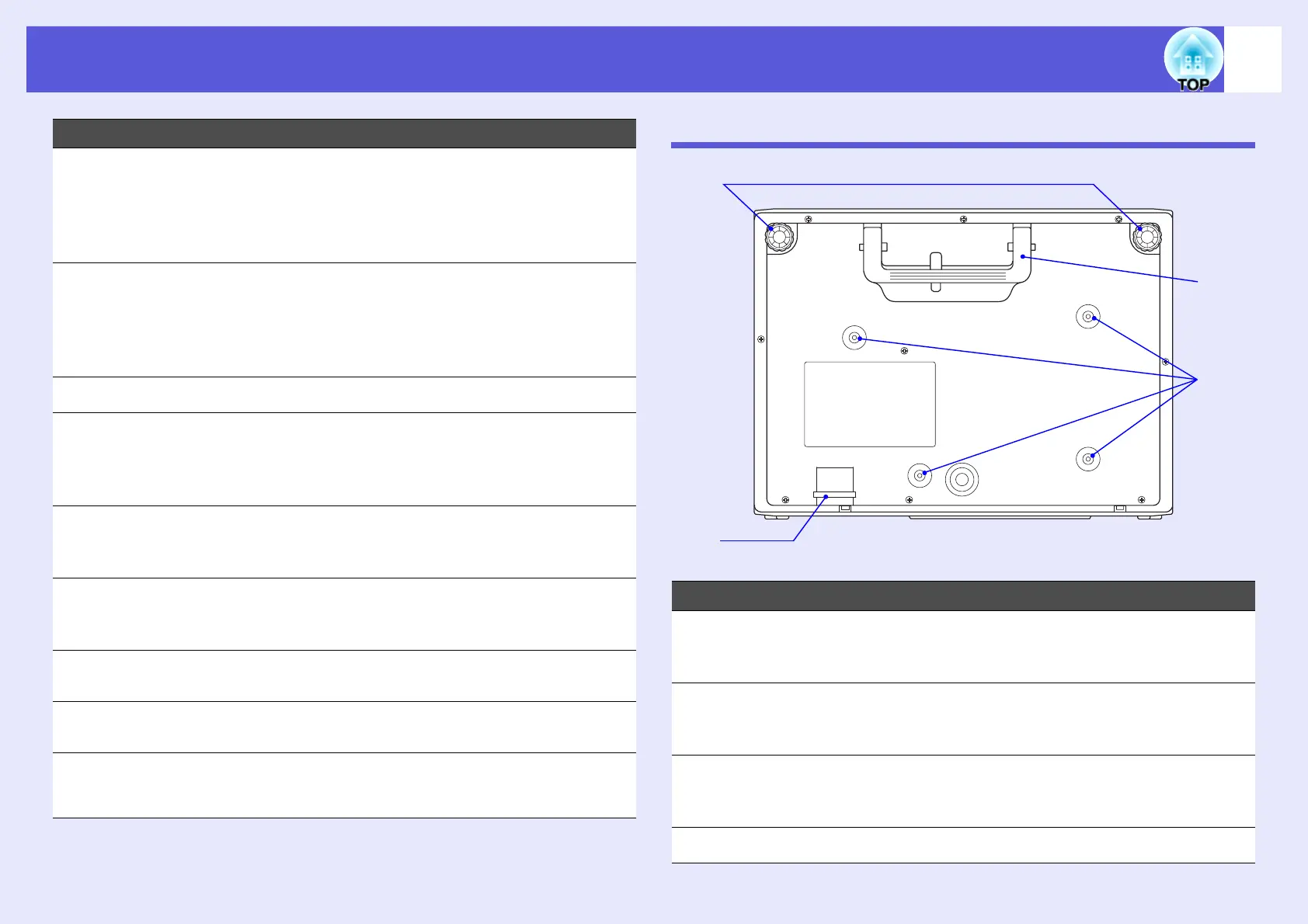
Name Function
Name Function
A
Front adjustable
feet
Turn to extend and adjust the position of the
projected image when the projector is placed
on a surface such as a desk.
B
Security cable
installation point
Pass a commercially available anti-theft wire
lock through here when you want to secure the
projector to a fixed object. s p.28
C
Suspension
bracket fixing
points (4 points)
Attach the optional ceiling mount here when
suspending the projector from a ceiling.
s p.57, 73
D
Handle Use this handle when carrying the projector.
B
C
D
A



 To Next Page