LOW ON TONER Message
2. Remove the new imaging cartridge from the aluminum bag.
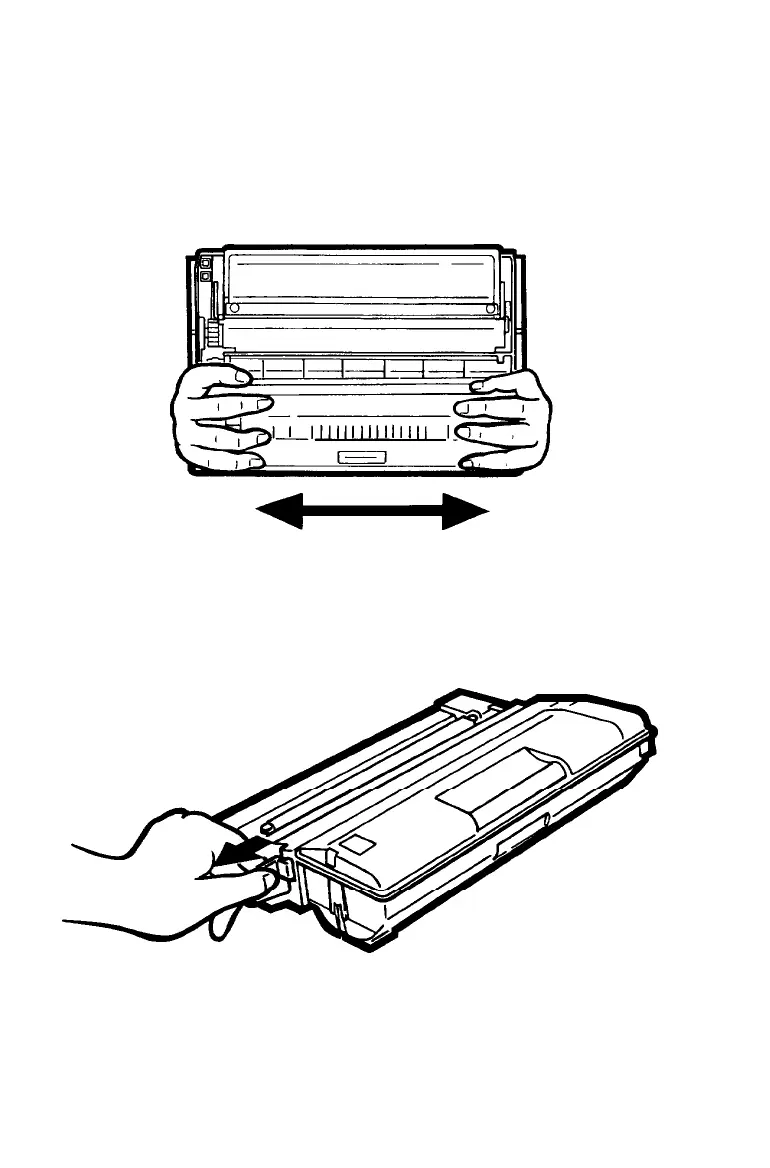
Holding the cartridge as shown below, gently shake it from
side to side several times to distribute the toner evenly, as
shown below.
3. Holding the yellow tab as shown below, pull hard to remove
the clear sealing tape.
Maintenance and Transportation
6-11



 To Next Page