If frequent paper feed jams of this type occur, clean the paper
cassette, feed roller, and the roller in the paper path as described in
Chapter 6. If paper feeding problems continue, see Chapter 4 to
make sure that you are using the correct paper for your printer.
If you have installed the optional lower paper cassette, and the
procedure described above does not clear the error, follow the steps
below.
1.
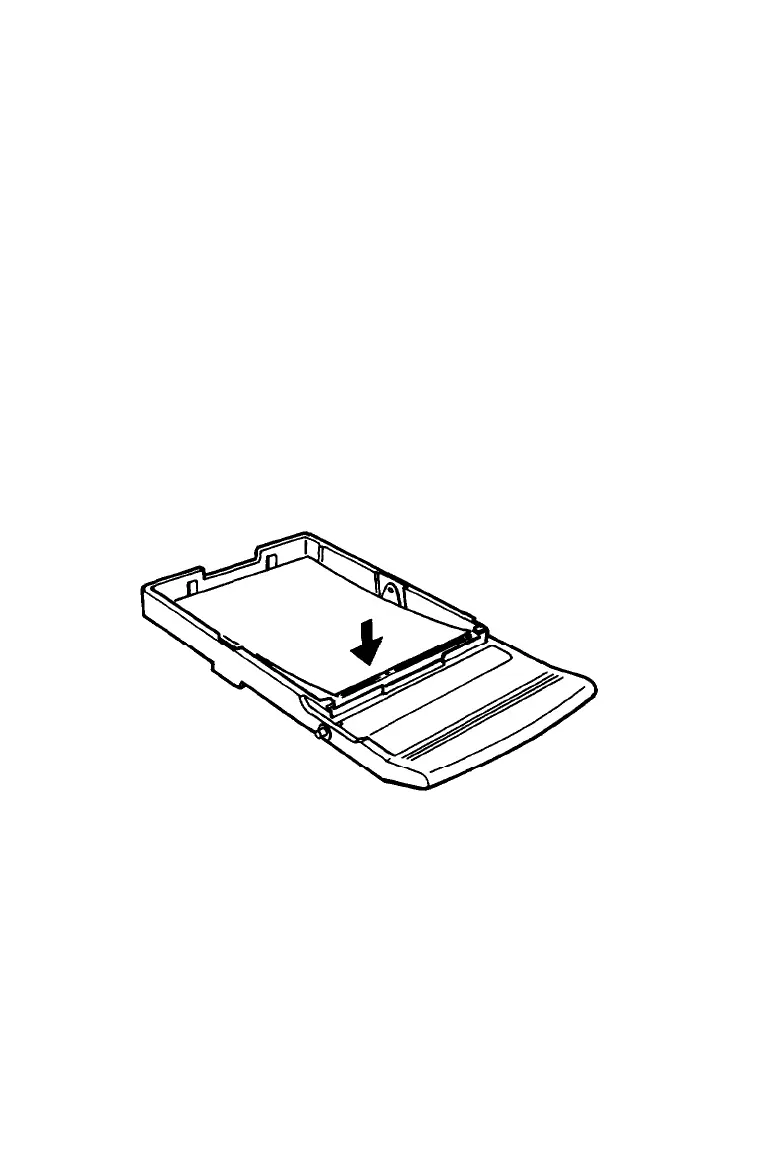
Pull out the paper tray from the lower cassette. Make sure that
the paper is evenly aligned in the tray.
2.
Remove any folded or curled paper from the front opening.
3.
Press down the pressure plate until it clicks into place and
replace the tray in the lower cassette.
7-10 Troubleshooting



 To Next Page