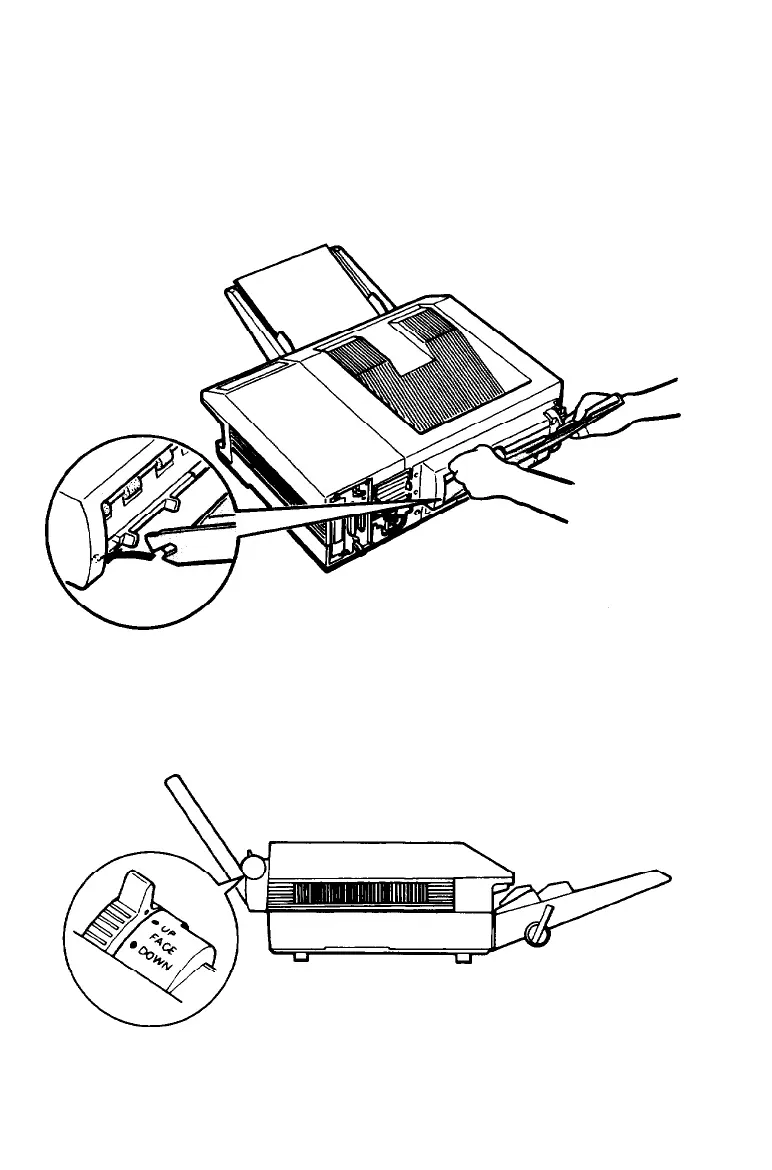
The Face-up Output Tray
7.
Install the face-up tray by fitting the notches of the tray over
the pins of the drive unit, as shown below. Notice that the
tray, when installed, is nearly vertical, as shown in the
illustration at the bottom of this page.
The printer is factory-set for face-down output on top of the
printer. To set the printer for face-up delivery, move the paper
path lever (located on the drive unit) to the FACE UP position as
shown below.
A-18
Appendix A



 To Next Page