Connecting the Printer to Your Computer
2.
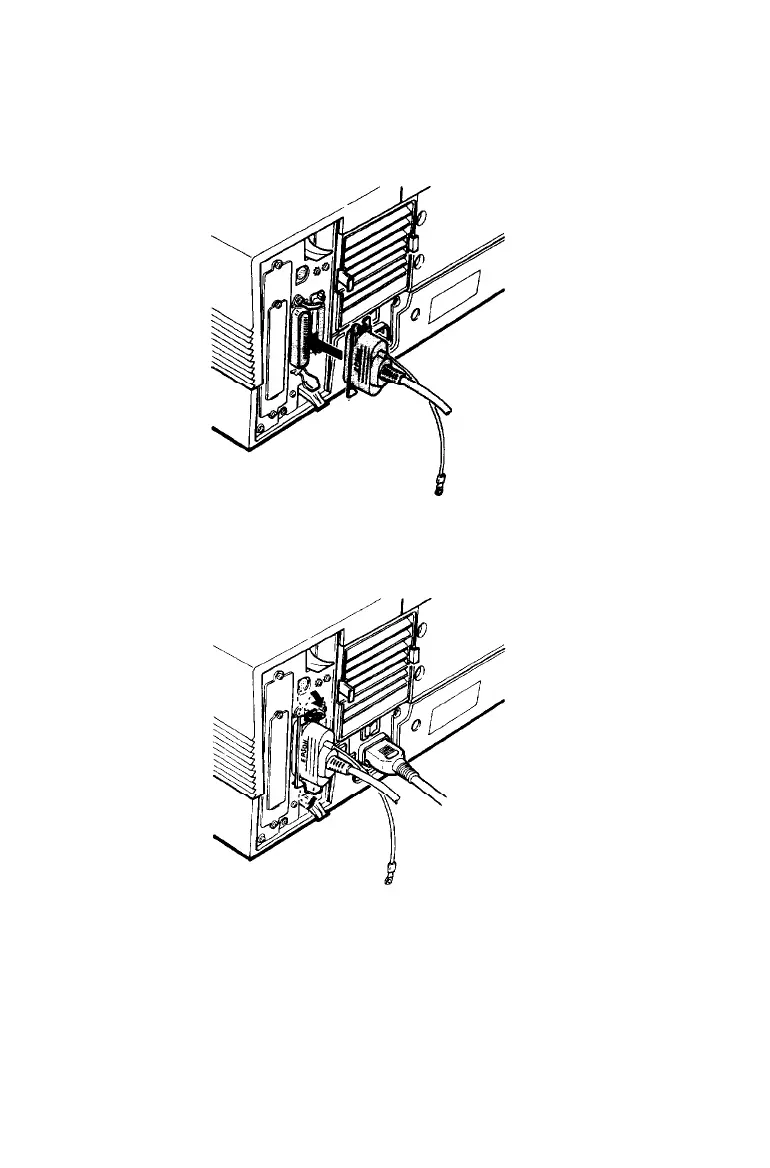
Plug the cable securely into the CH P parallel interface
connector of the printer, as shown below.
3.
Squeeze the wire clips together until they lock in place on
either side of the connector.
Testing and Connecting Your Printer 2-19



 To Next Page