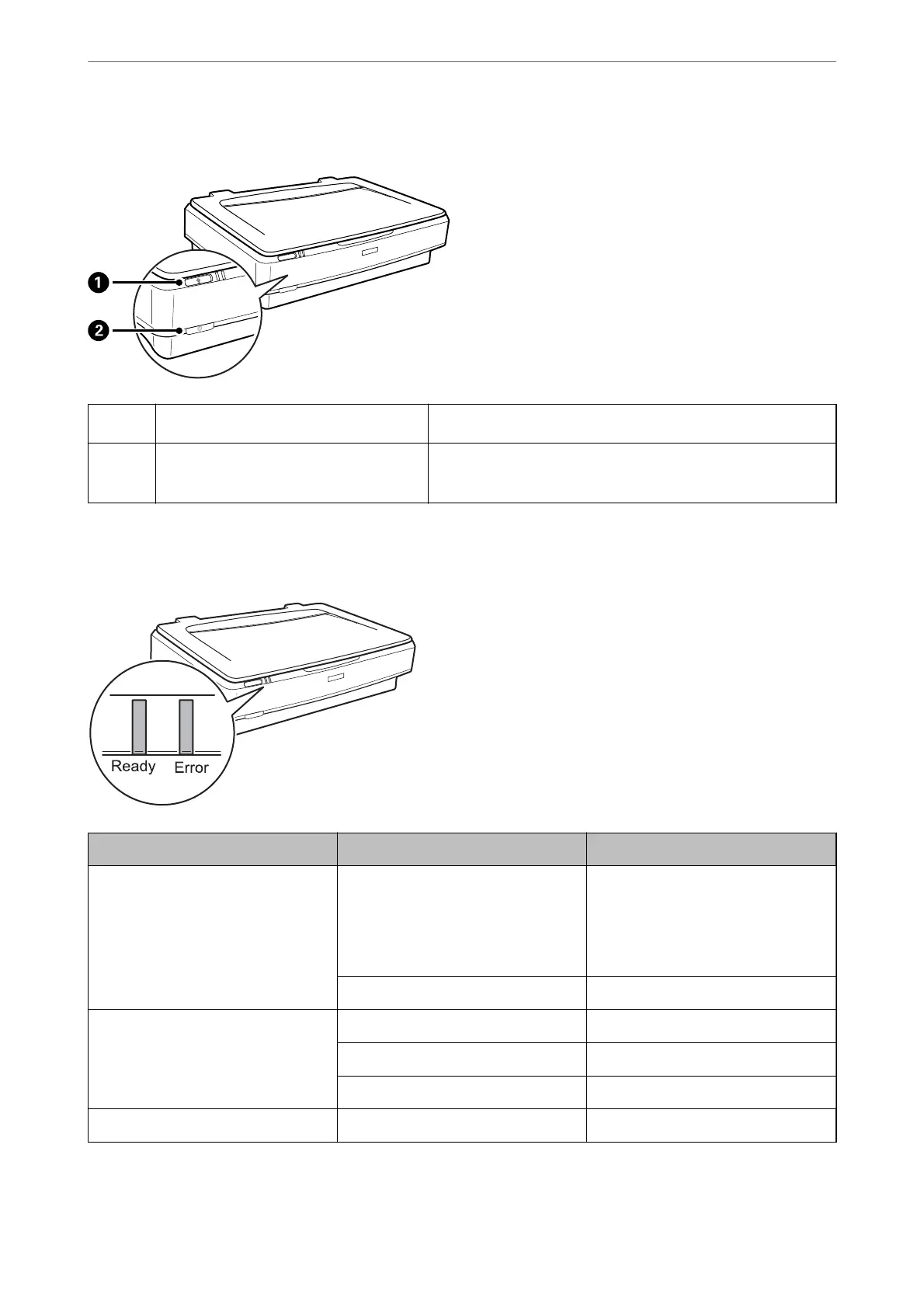
Before using the product buttons, make sure you have installed your scanning software.
A
a
button
Starts scanning.
B
.
button
Turns the product on if pressed once.
Press again to turn the product off.
Lights
The status light indicates whether the product is operating normally.
Light Indicator Status Meaning
Ready On Ready to scan images.
If you cannot scan images, an error
may have occurred. Make sure the op-
tional Transparency Unit is completely
closed.
Flashing Initializing, scanning, or sleeping.
Ready, Error On An error has occurred.
Flashing An error has occurred.
Off The product is off.
Error Flashing An error has occurred.
Scanner Basics
>
Buttons and Lights
12















 To Next Page