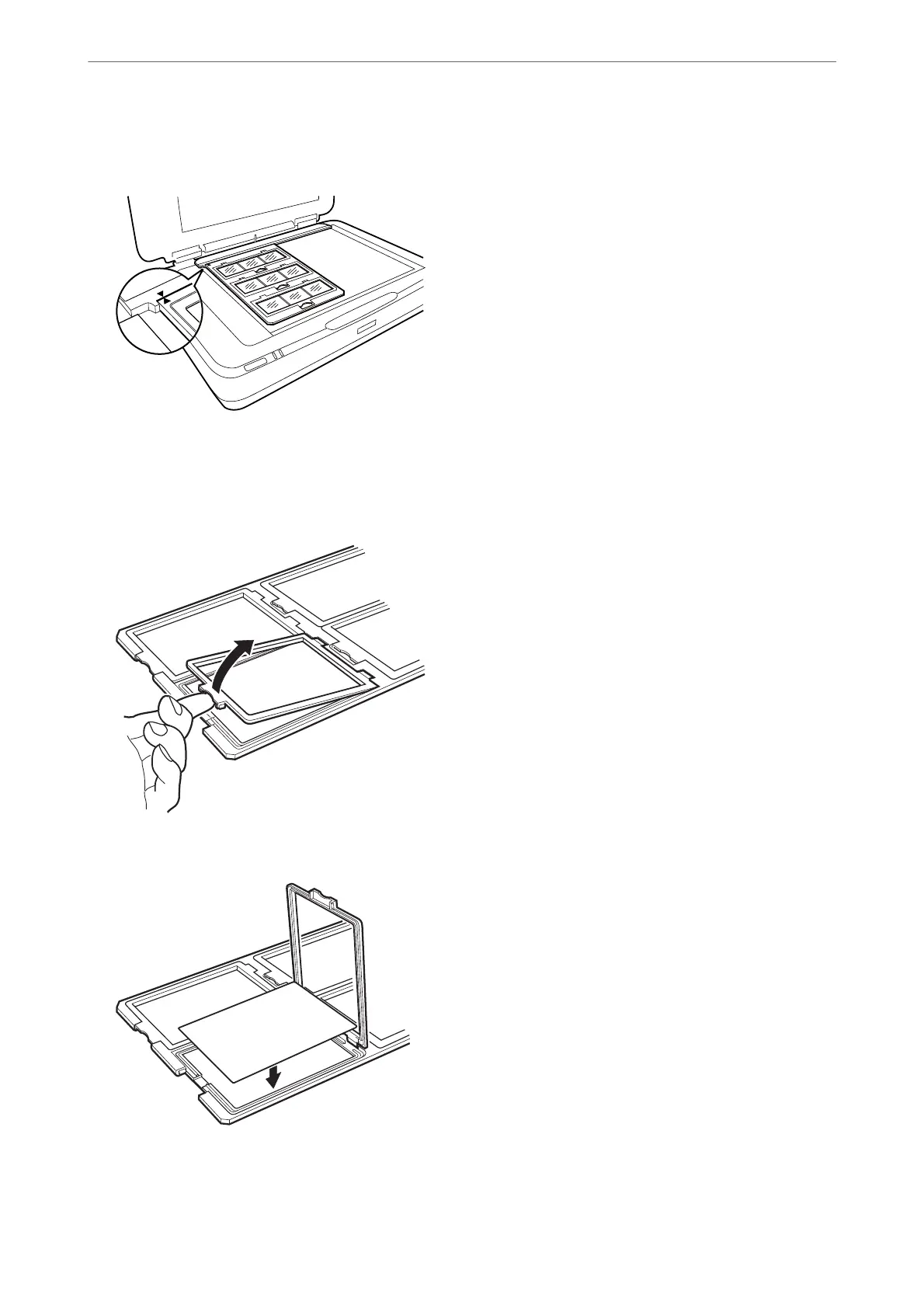
4. Place the film holder on the scanner glass and align it with the notch on the transparency guide, as shown
below.
4×5 inch film
1. Place the 4×5 inch film holder on a flat surface, and then open the cover.
2. Insert the film, face down, in the holder.
Using the Transparency Unit
>
Setting and Placing Films
>
4×5 inch film
46















 To Next Page